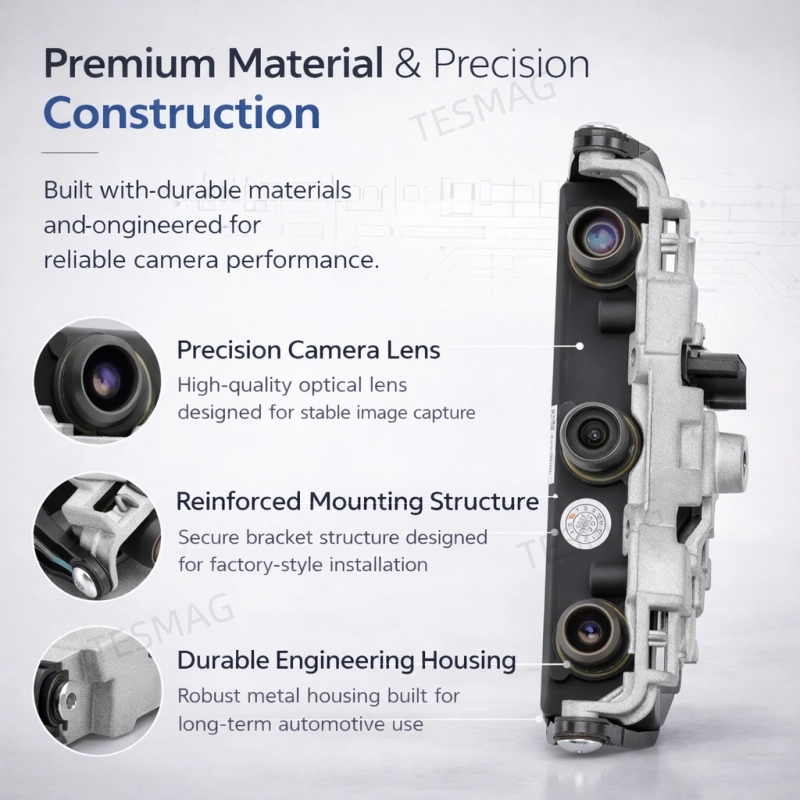
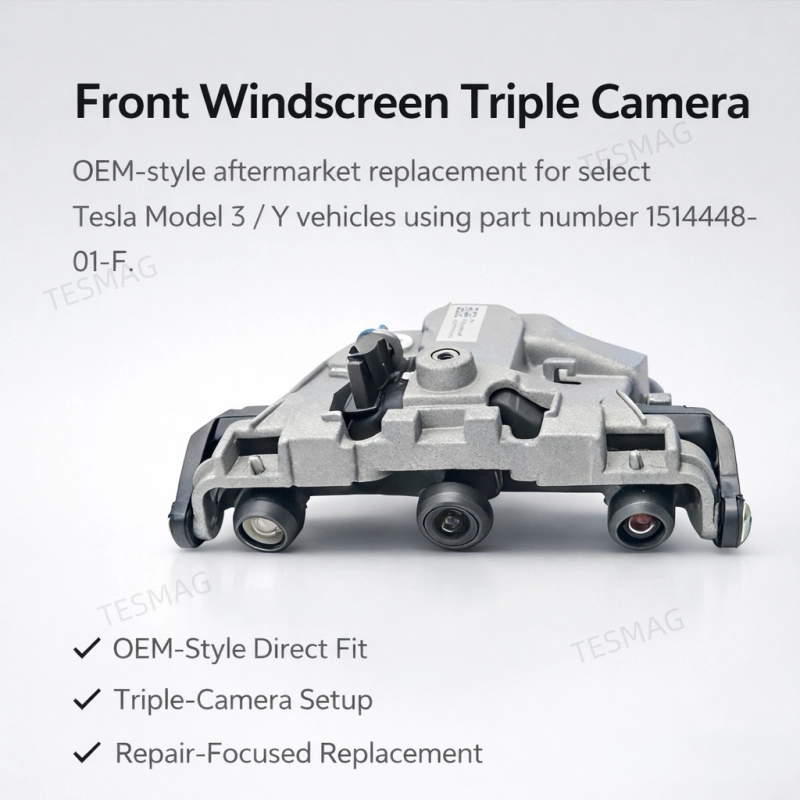
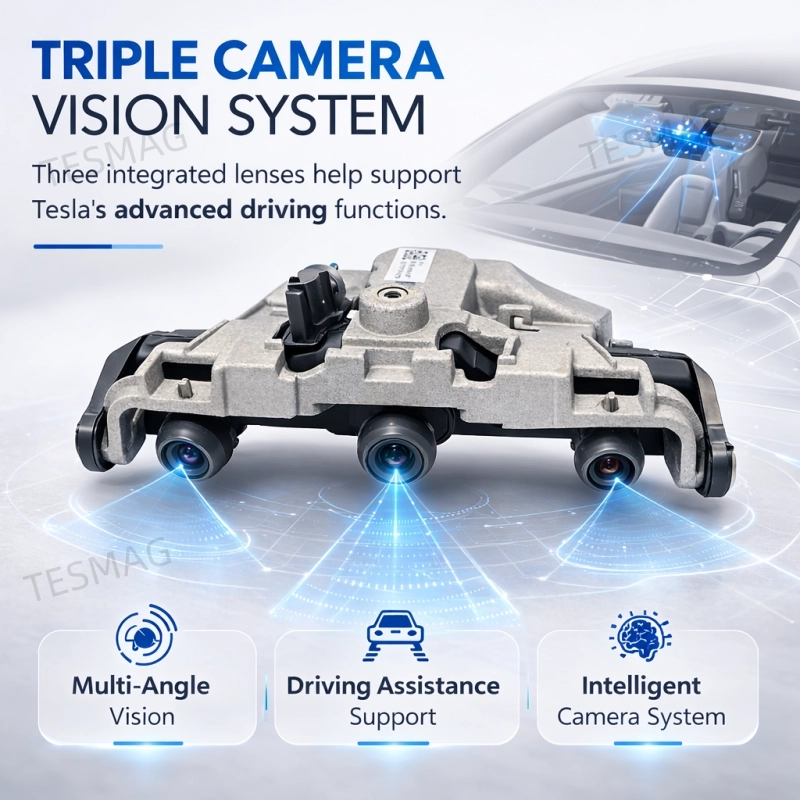
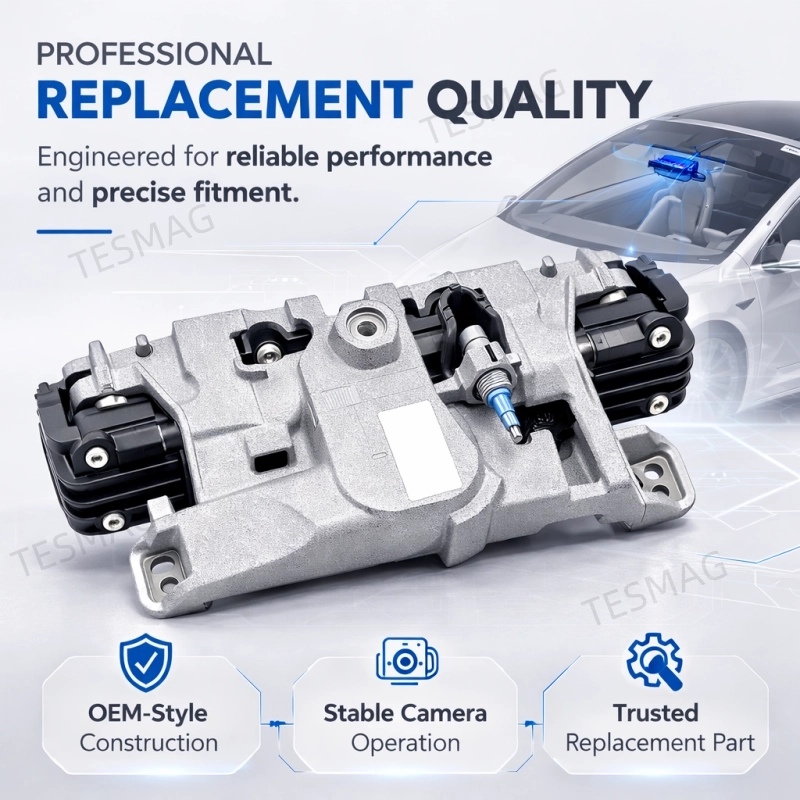
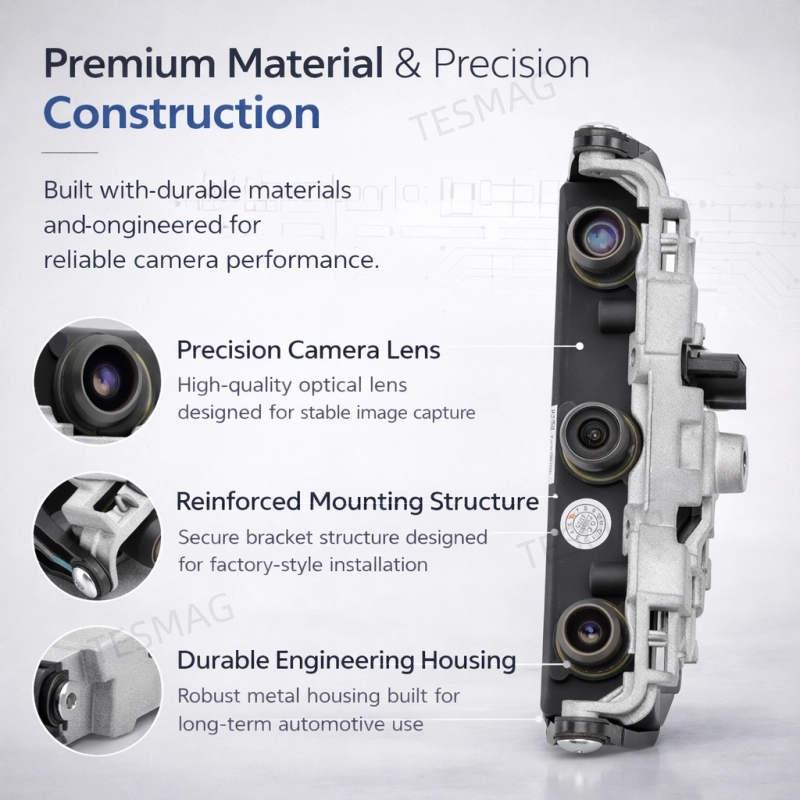
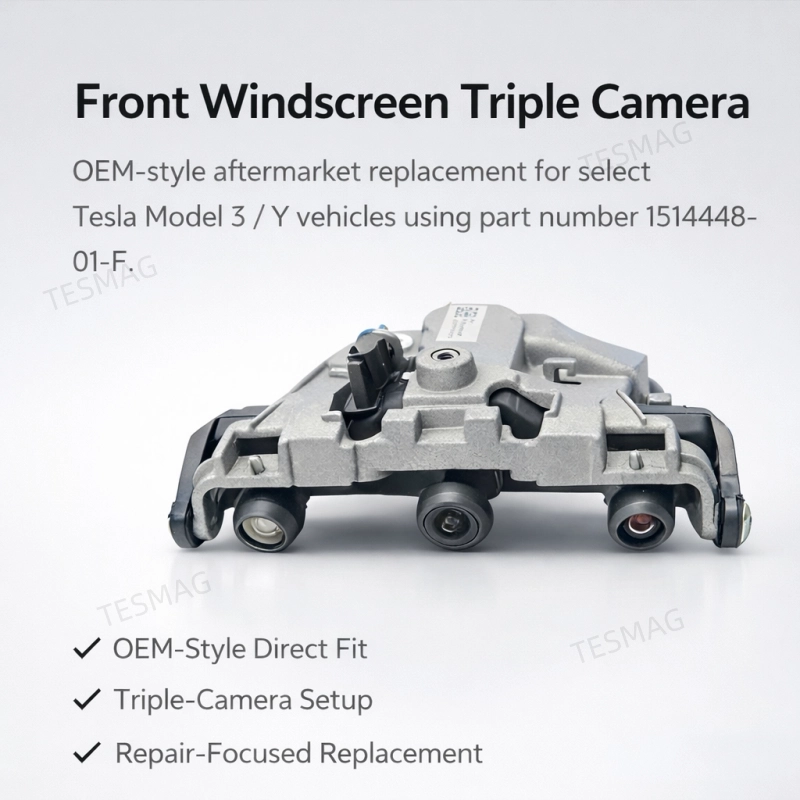
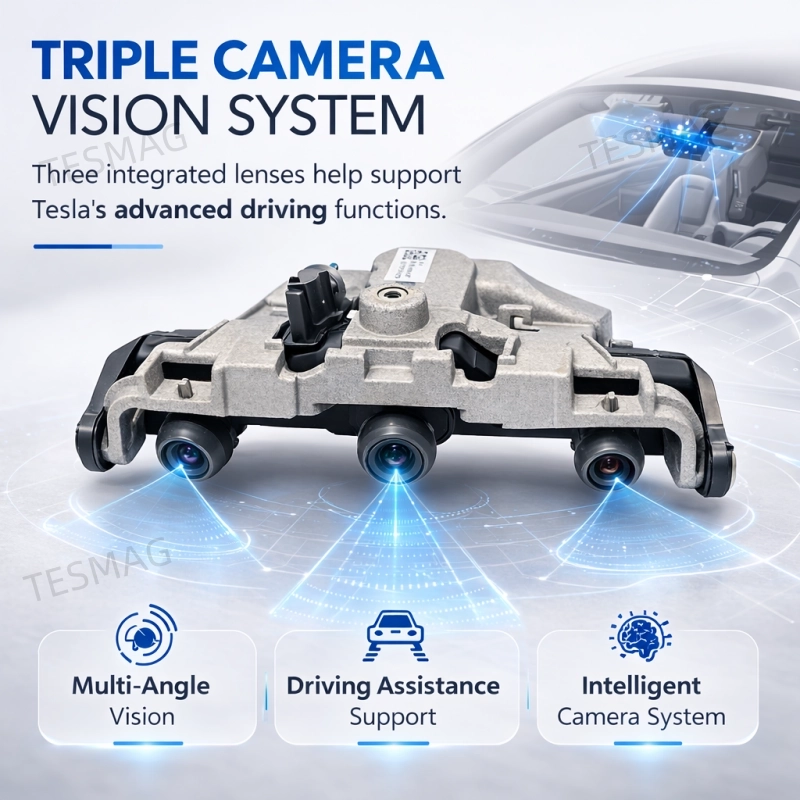
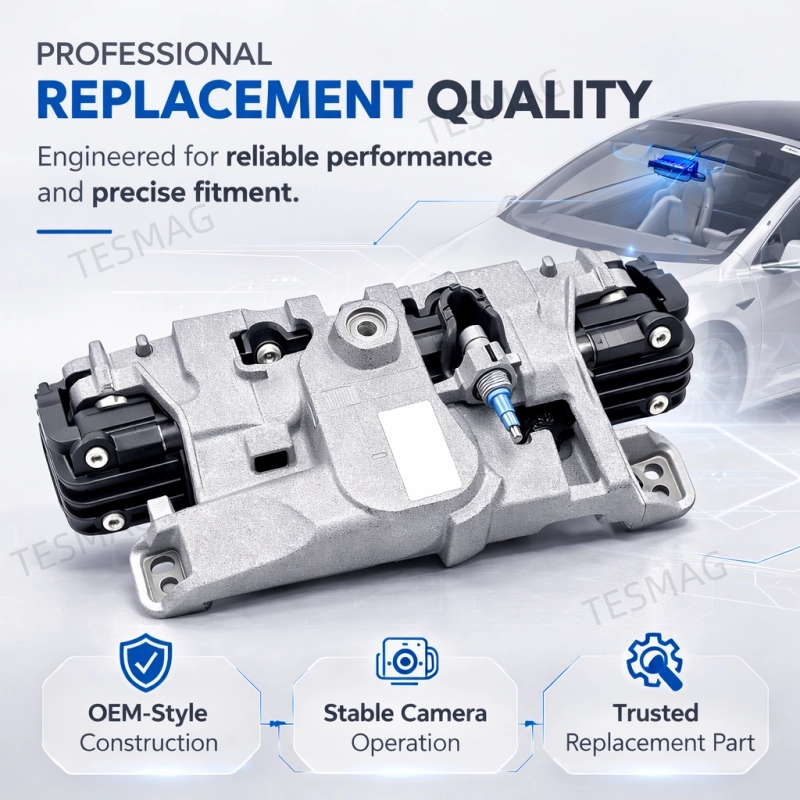
Fitment Notes
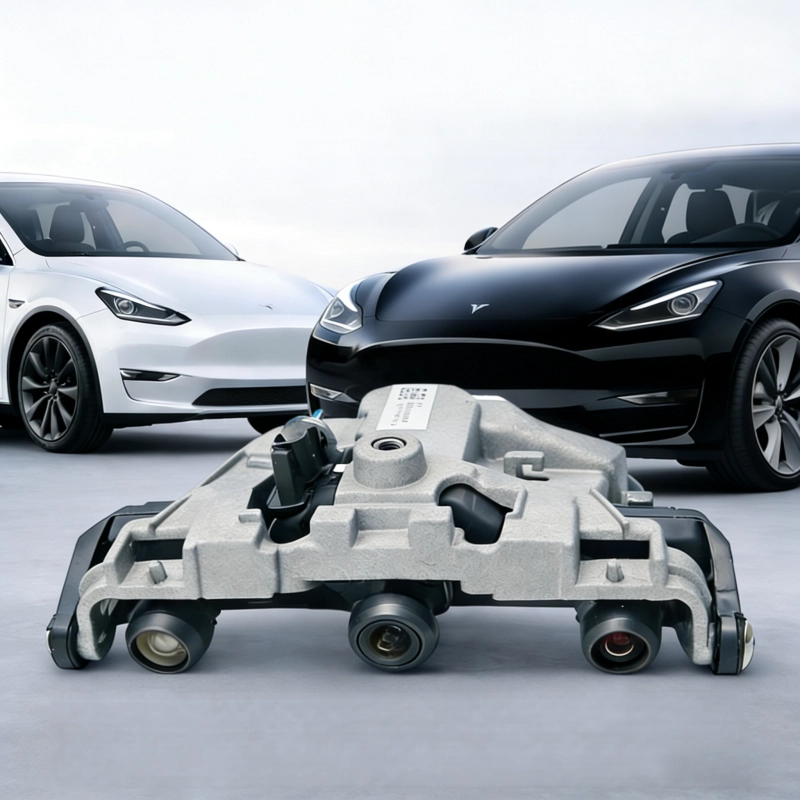
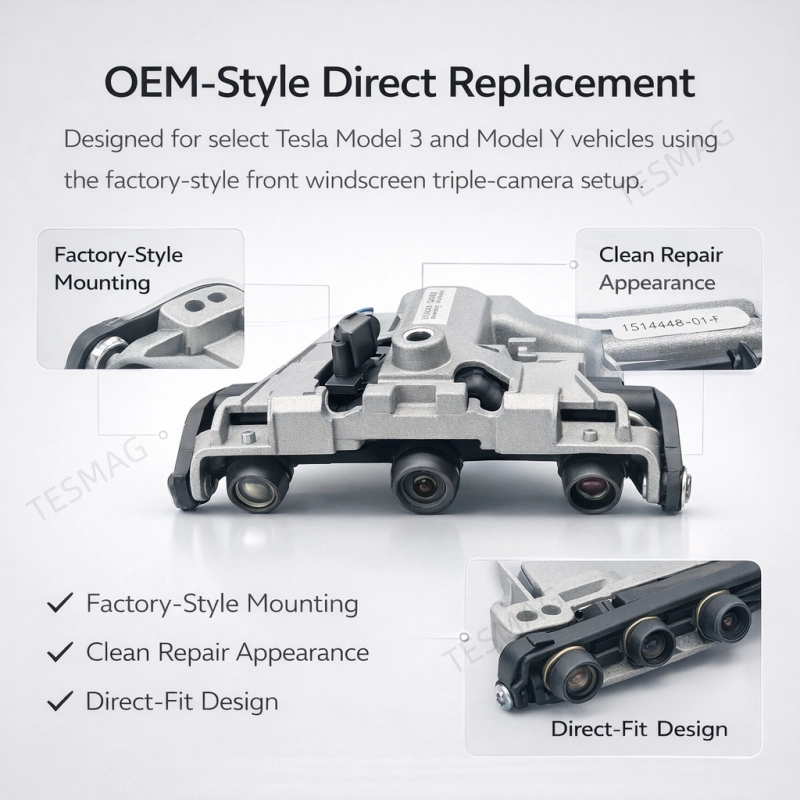
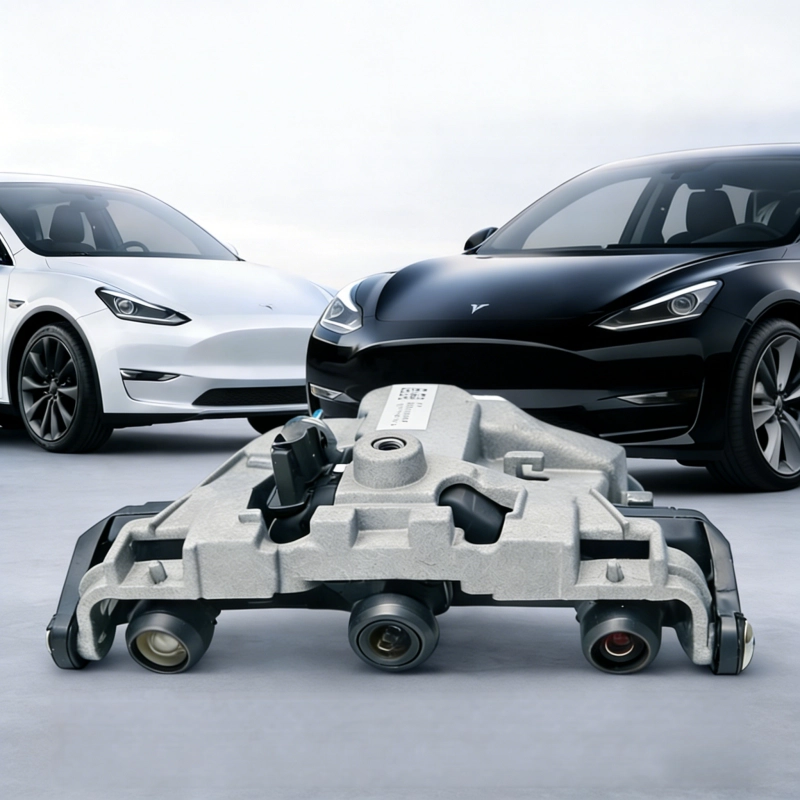
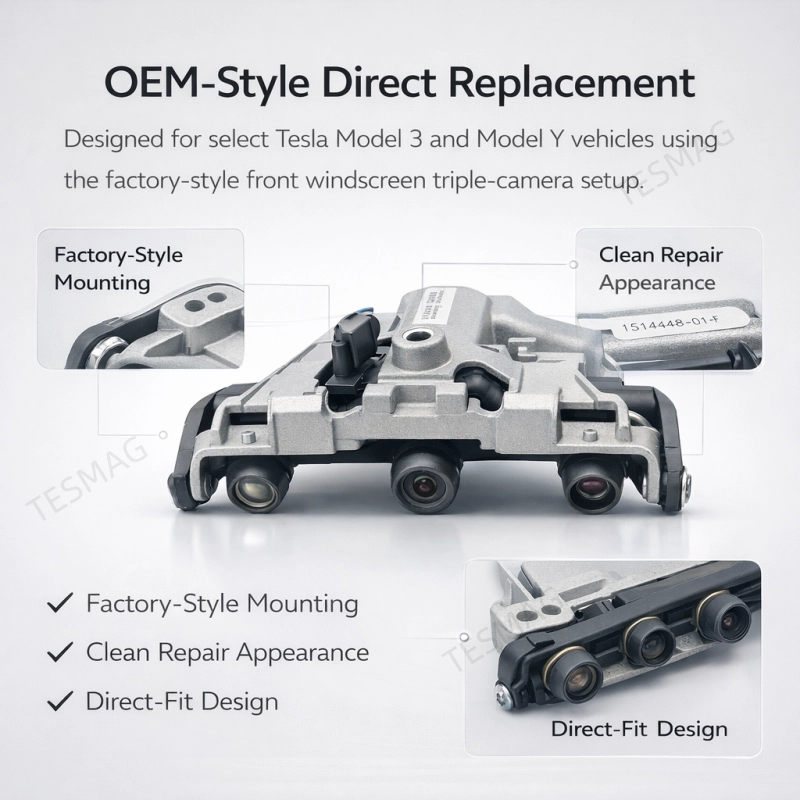
Designed for vehicles using the front windscreen triple-camera setup
Matches part number 1514448-01-F
Please verify by VIN, original part number, and camera configuration
Do not order by model year alone if the vehicle has had windshield replacement or prior camera-related repairs
Not Recommended For
Vehicles with a different windshield camera layout
Vehicles with unmatched part numbers
Vehicles with different connectors or different camera housing configurations
Installation Instructions
Tools Required
- Plastic pry tool set (to avoid scratching windscreen and trim)
- T10 Torx screwdriver/bit
- Torque wrench (set to 1 Nm / .7 lbs-ft)
- Microfiber cloth & isopropyl alcohol (for cleaning)
- Tesla diagnostic tool (for calibration, mandatory after replacement)
Installation Steps
1. Turn on the vehicle, enter "Service Mode" via the touchscreen, then turn off the vehicle and disconnect the 12V battery negative terminal for safety. Lower the driver’s side window to avoid locking yourself out.
2. Remove the camera sunshade (trim panel): gently pry the hidden clips around the sunshade with a plastic tool (6 clips for Model 3, 5 clips for Model Y), then remove the sunshade.
3. Remove the rearview mirror (if needed): unscrew the 3 rearview mirror base screws, then set the mirror aside carefully to avoid damaging the wiring.
4. Disconnect the camera connectors: pull the red locking tabs gently to unlock, then separate the 2 waterproof connectors (main power/signal first, auxiliary power second). Do not pull the wiring directly.
5. Remove the old camera: use a torque wrench to remove the 4 T10 screws (1 Nm torque) that secure the camera to the windscreen bracket, then gently separate the camera from the bracket.
6. Clean the mounting surface and new camera: wipe the windscreen bracket and camera surface with isopropyl alcohol and a microfiber cloth. Ensure no dust, oil, or fingerprints (especially on the three camera lenses).
7. Install the new camera: align the holes on the camera with the 2 positioning pins on the windscreen bracket. Tighten the 4 T10 screws to 1 Nm torque to secure the camera firmly.
8. Reconnect the camera connectors: press both connectors until the red locking tabs click into place. Secure the wiring with the original clips, ensuring it is protected by the corrugated tube and avoids moving parts or heat sources.
9. Reinstall the rearview mirror (if removed) and camera sunshade: press the sunshade firmly around the edges to lock all clips in place.
10. Reconnect the 12V battery negative terminal. Use a Tesla diagnostic tool to clear old calibration data and recalibrate the camera.
11. Test the camera: start the vehicle, check if the camera preview is clear on the center display. Drive approximately 160 km to complete the automatic calibration process for Autopilot.
Important Warnings
- ✅ Do NOT touch the camera lenses — fingerprints or oil stains will blur images and affect Autopilot performance. Wear gloves during installation.
- ✅ Calibration is mandatory after replacement — without calibration, Autopilot will not function properly.
- ✅ Tighten the T10 screws to 1 Nm torque — over-tightening will damage the camera bracket or windscreen.
- ✅ Always use plastic tools to avoid scratching the windscreen, trim panel, or damaging clips.
- ✅ Ensure the 2 positioning pins are aligned with the camera holes to maintain accurate installation angle.
- ✅ Enter "Service Mode" before operation to avoid electronic system malfunctions.
- ✅ Secure the wiring properly with clips — loose wiring may rub against moving parts and cause signal interruption.
- ✅ Professional installation is recommended. Consult a certified Tesla technician if you are not familiar with vehicle maintenance.
Note: This camera is only compatible with Tesla Model 3 (2022) and Model Y (2021–2022). Please confirm your vehicle’s model and production year before installation to avoid compatibility issues.
Package Includes
Why Choose Us
-
OEM-Style Product Positioning
Built for a factory-style repair appearance and fitment logic.
-
Part-Number-Based Compatibility
We prioritize matching 1514448-01-F instead of relying on appearance alone.
-
Repair-Oriented Listing Accuracy
Clear fitment notes help reduce unnecessary returns and ordering mistakes.
-
Honest Aftermarket Positioning
Clearly described as an aftermarket replacement, not genuine Tesla OEM.
-
Tesla-Specific Application Focus
Designed for buyers looking for a more precise front camera replacement solution.
FAQ
1. Is this a genuine Tesla OEM part?
No. This is an aftermarket replacement part, not a genuine Tesla OEM part.
2. What vehicles does this fit?
It is best described as fitting select Tesla Model Y 2021–2022 and select Tesla Model 3 2022 vehicles with the matching front windshield triple-camera setup and part number 1514448-01-F.
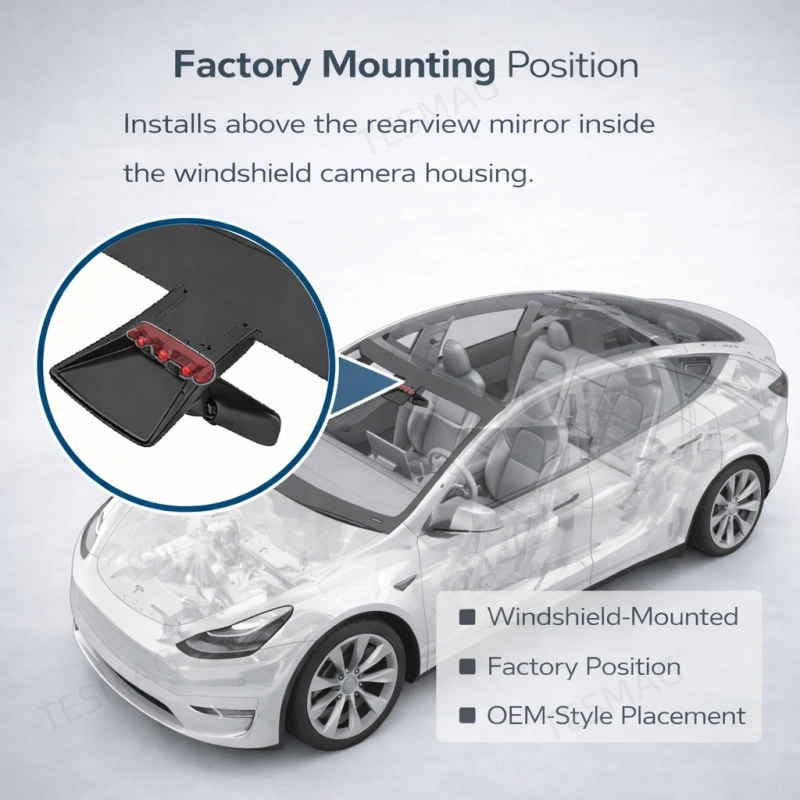
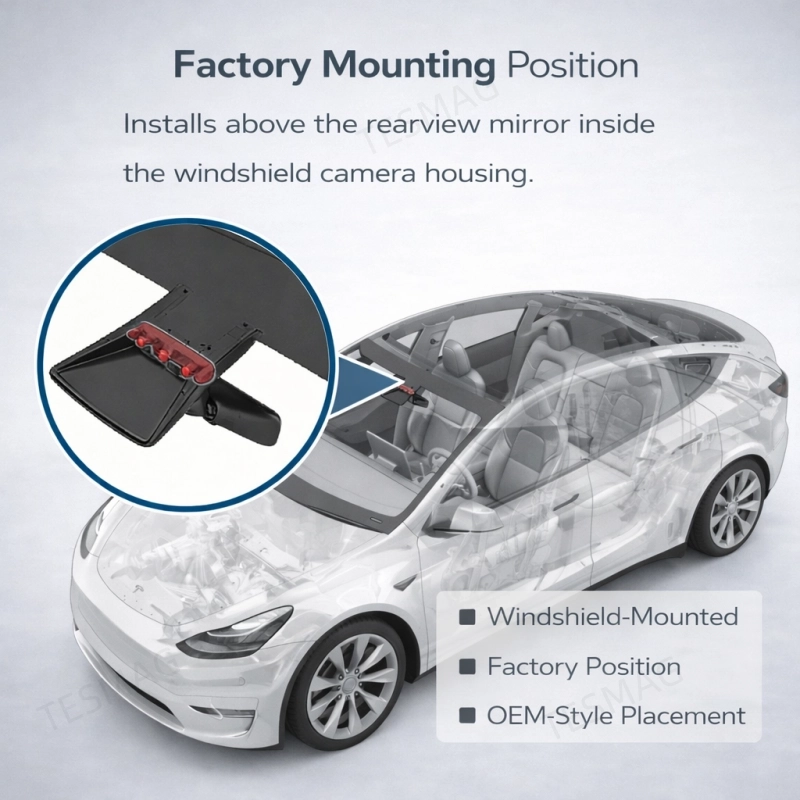
3. Where is this camera installed?
It installs above the rearview mirror inside the windshield camera housing. Tesla documentation places cameras in this windshield/mirror area on Model 3 and Model Y.
4. Do I need calibration after installation?
Calibration or system verification is recommended after installation, especially if the windshield or camera assembly has been serviced.
5. Will this fix every front camera warning?
Not always. Some warnings may also be caused by wiring issues, contamination, calibration problems, or incorrect hardware selection.
6. How do I confirm compatibility before ordering?
Please verify:
7. Is professional installation necessary?
It is strongly recommended because this part is installed in the windshield camera housing and may require post-installation calibration.
8. Is this sold as a single unit?
Yes. Public listings describe the package as 1x Front Windscreen Triple Camera.
9. Can I buy this based only on model year?
No. Model year alone is not enough. Hardware layout can vary, so it is best to confirm the original part number and camera setup first.
10. Why is part-number verification so important?
Because public listings themselves warn buyers to confirm the original number for applicability, which helps avoid ordering the wrong camera version.