

Free Shipping:Free standard shipping on orders over $129
Returns within 30 Days
Product Description
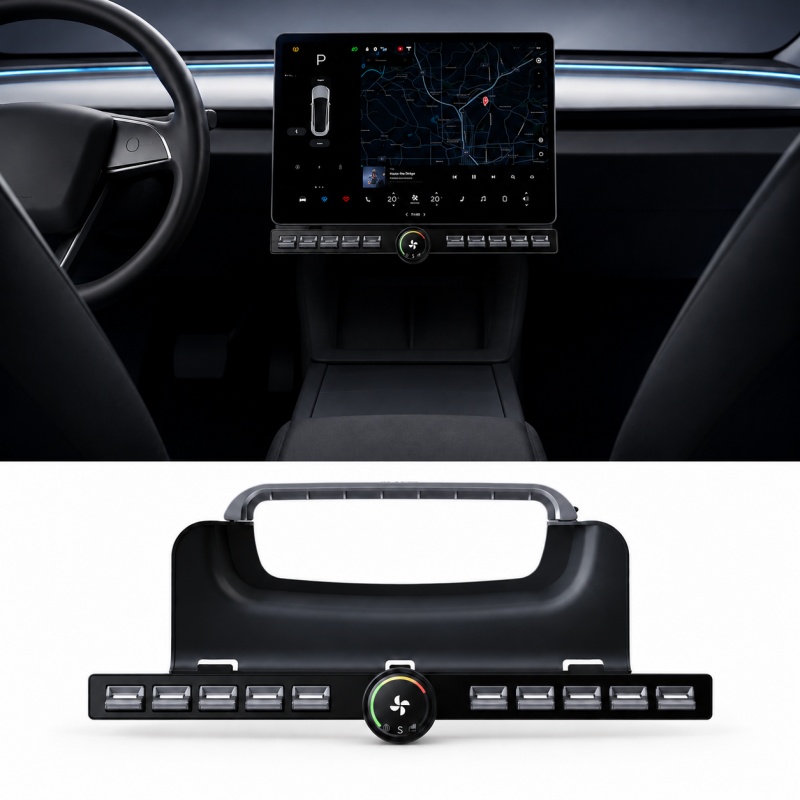
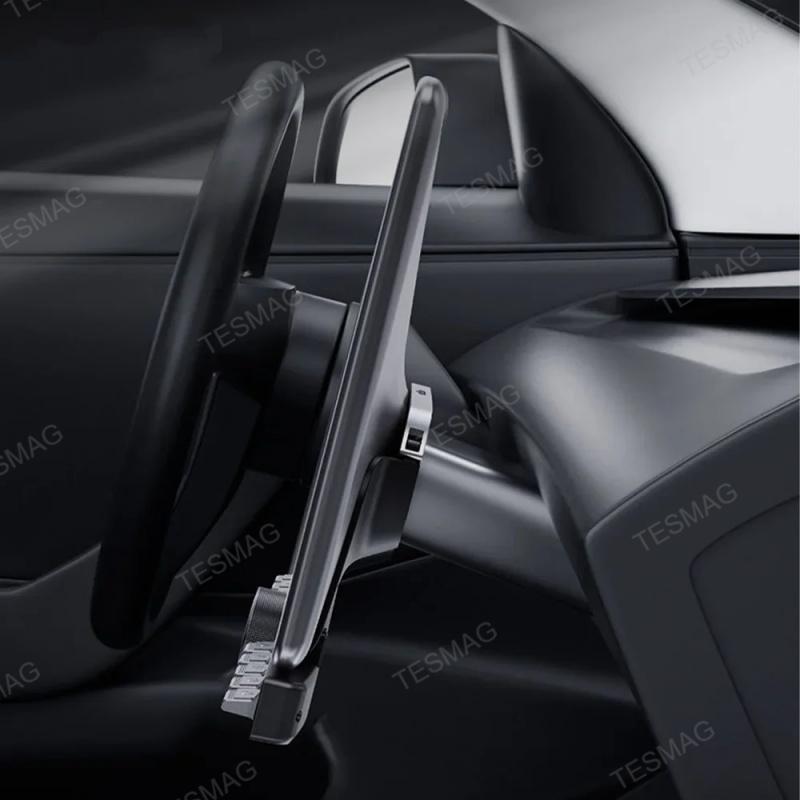
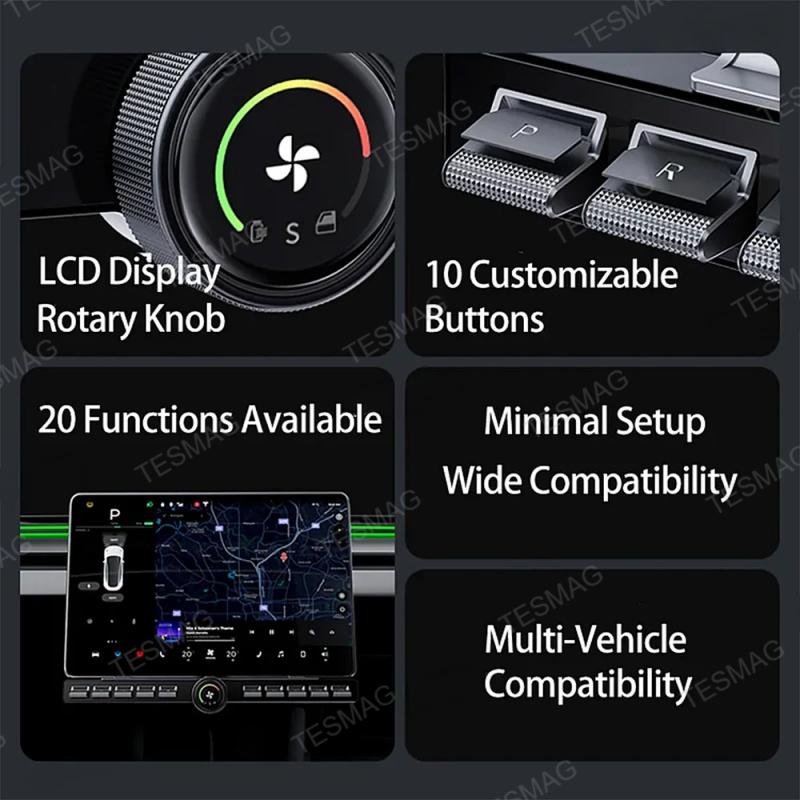
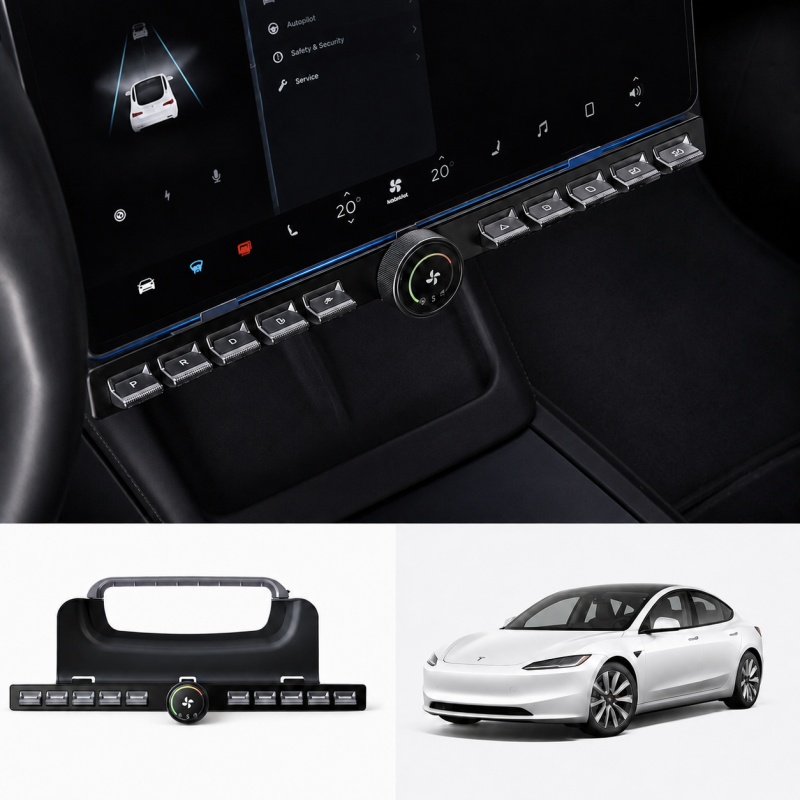
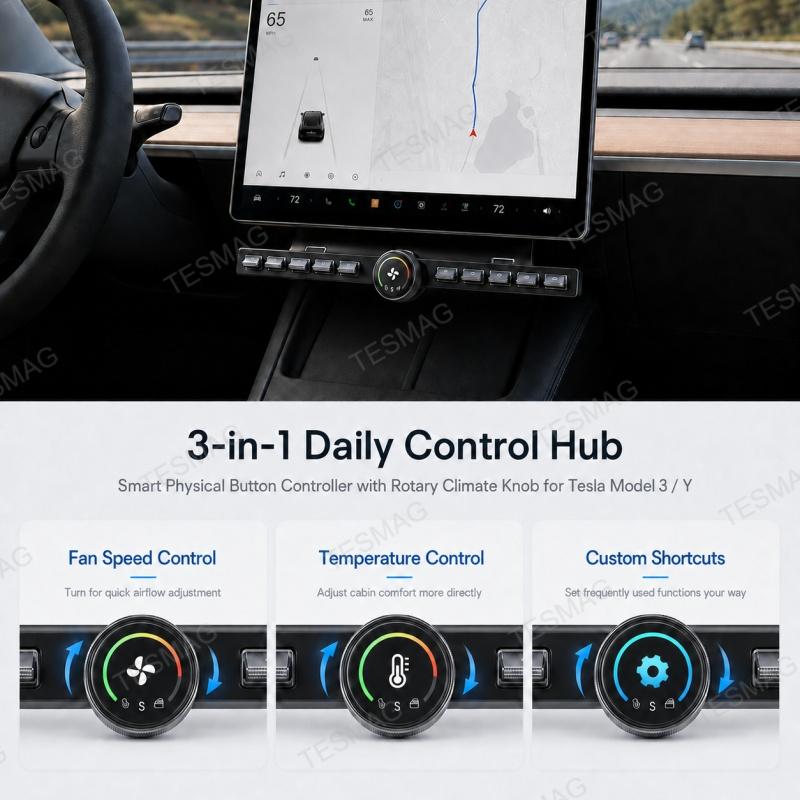
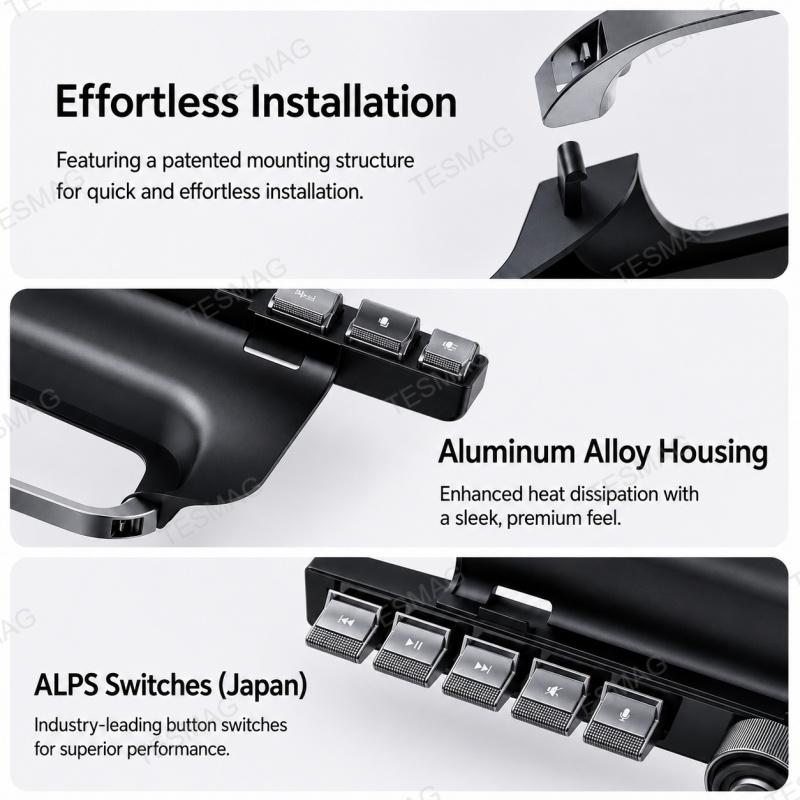
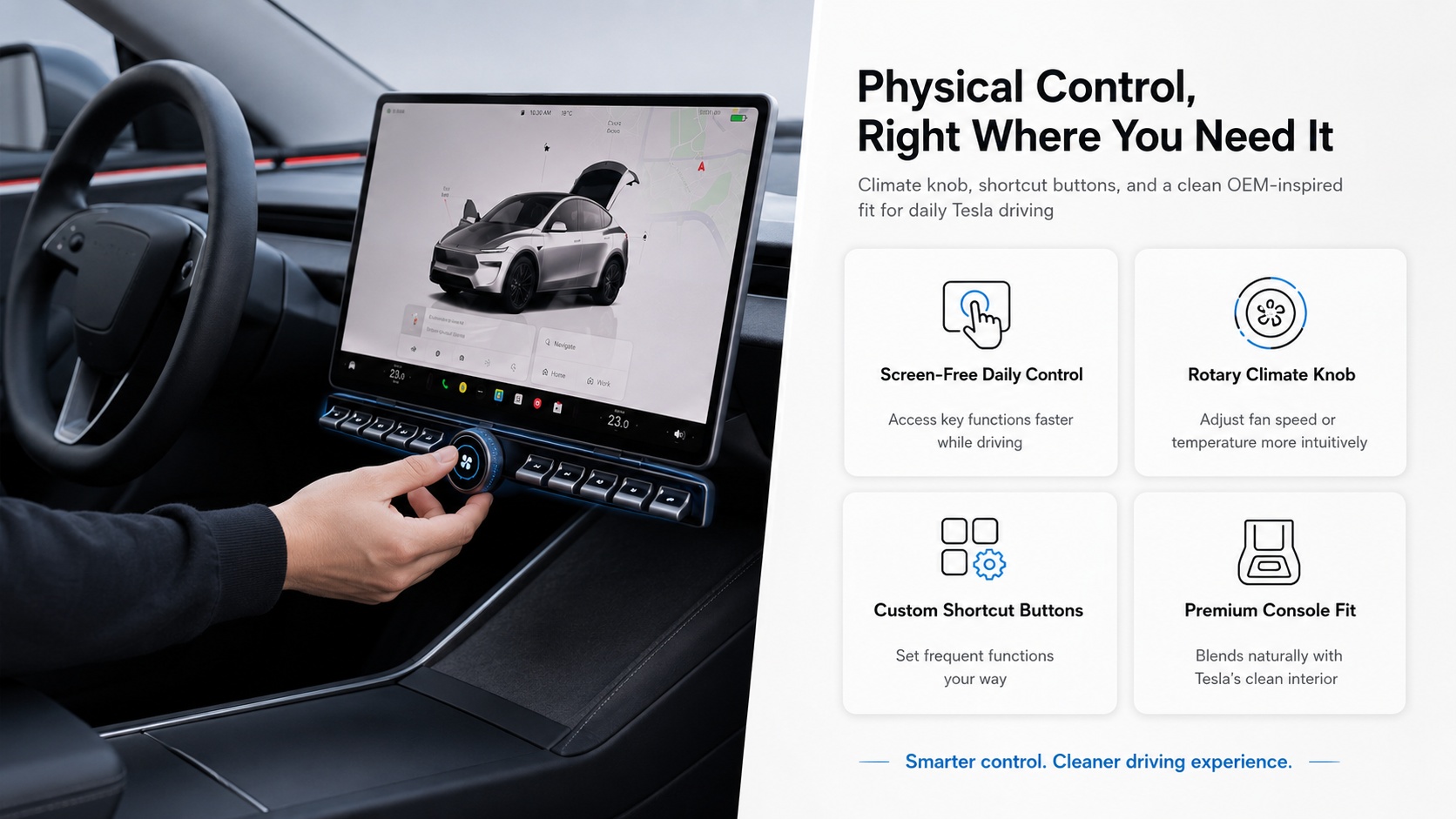
Tesla touchscreen is powerful, but not every daily function needs to be buried behind screen menus. For drivers who prefer quick, tactile access to frequently used controls, this Smart Physical Button Controller with Rotary Climate Knob adds a more direct control experience to your Tesla Model 3 or Model Y.
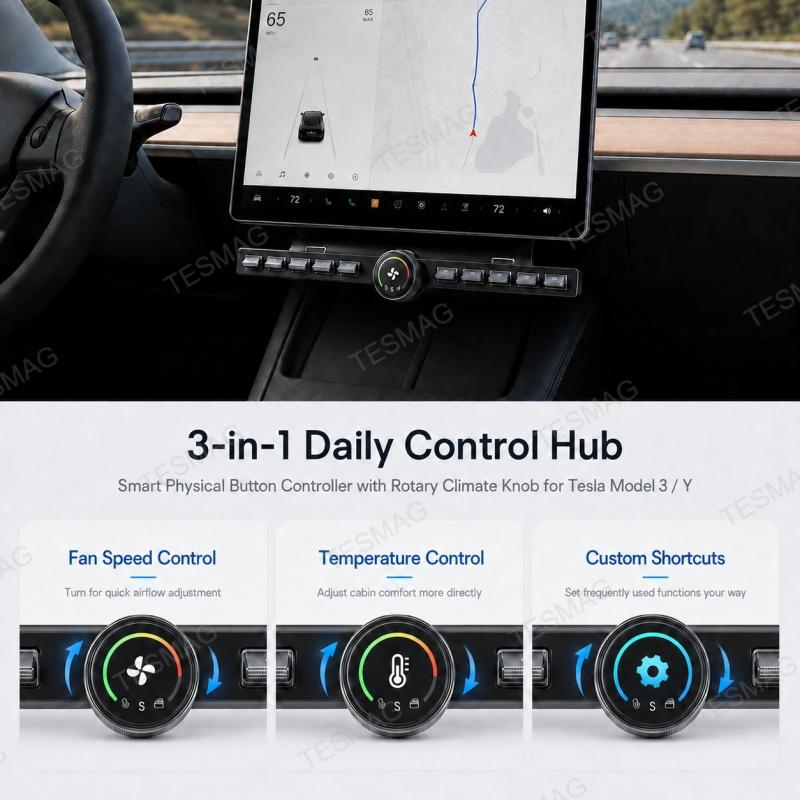
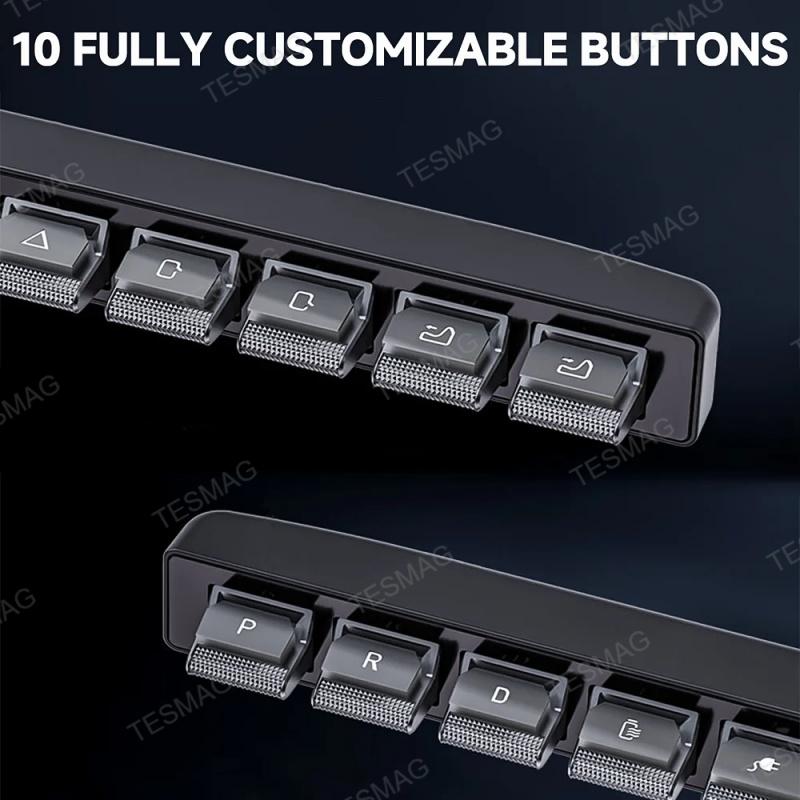
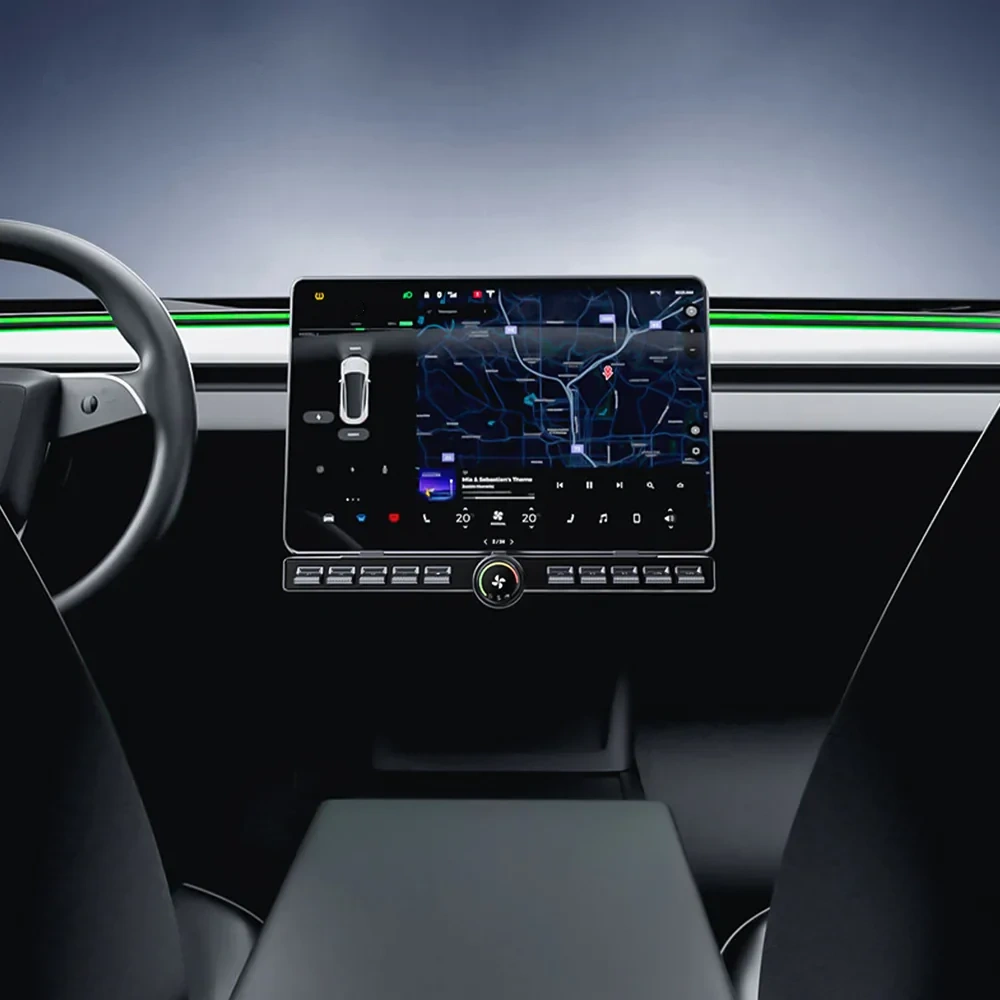
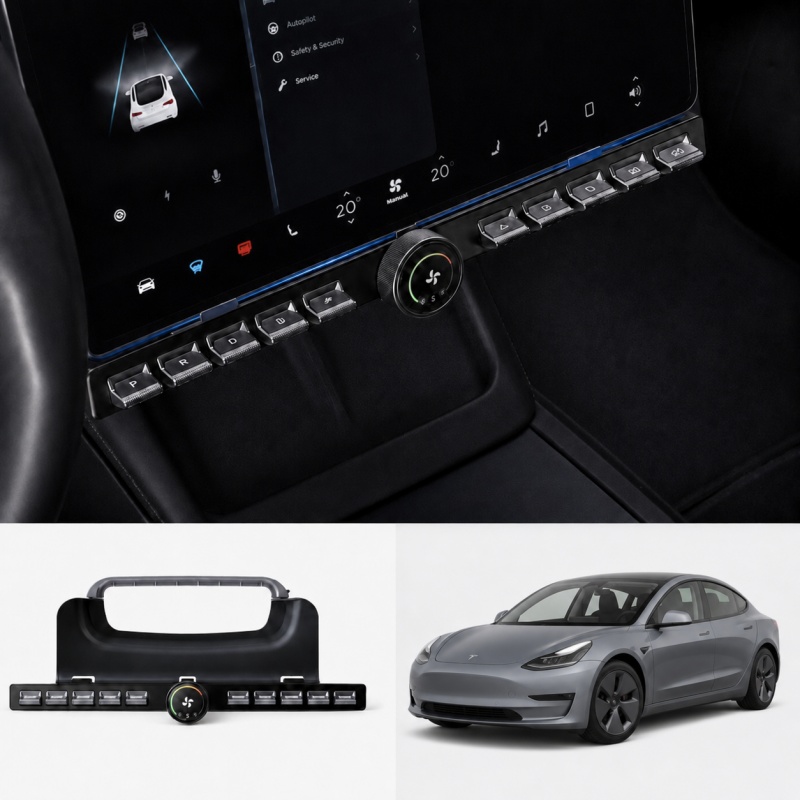
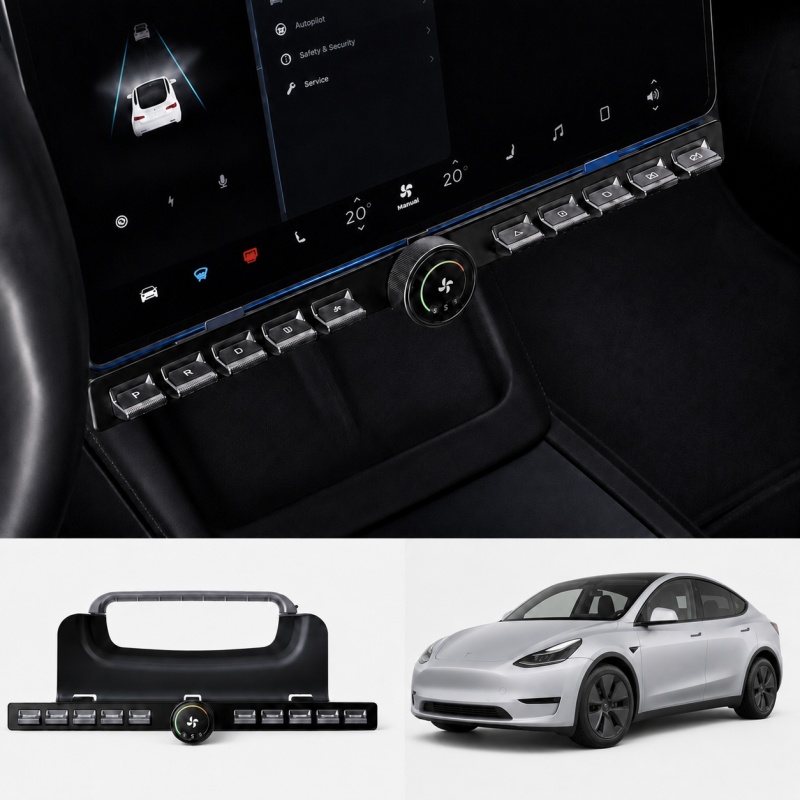
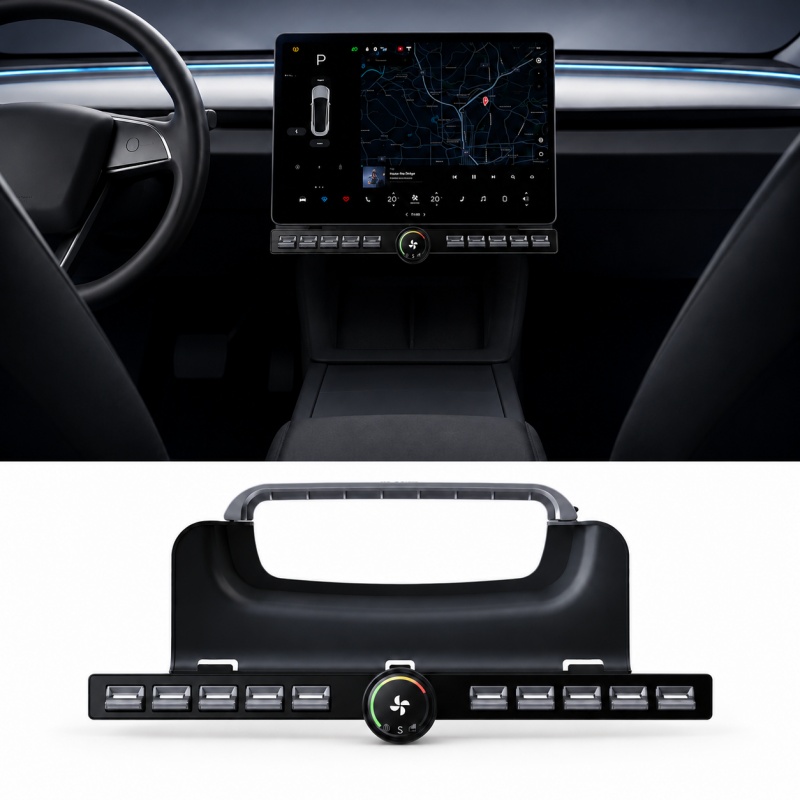
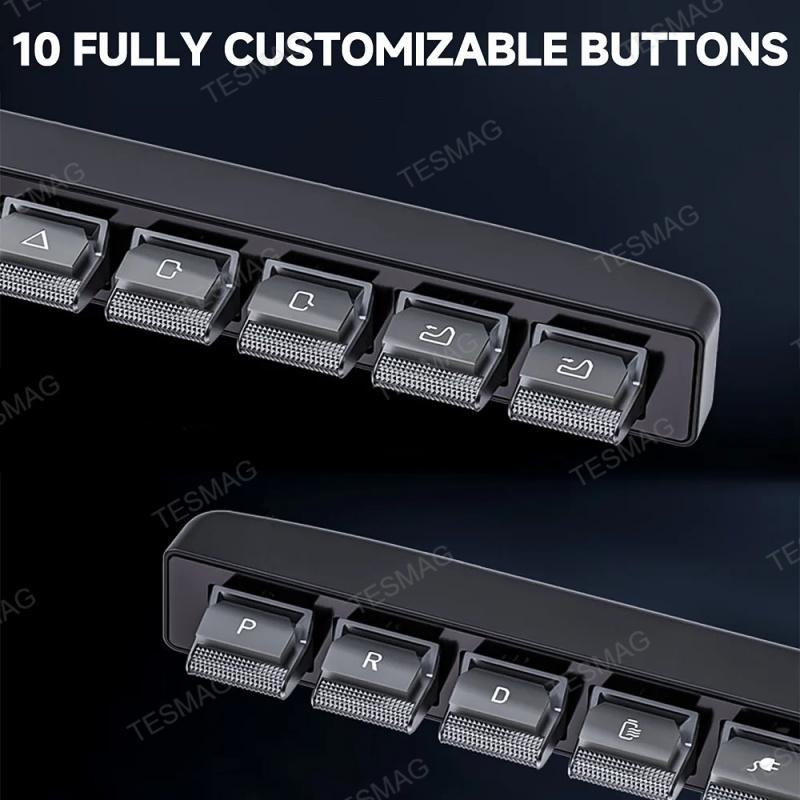
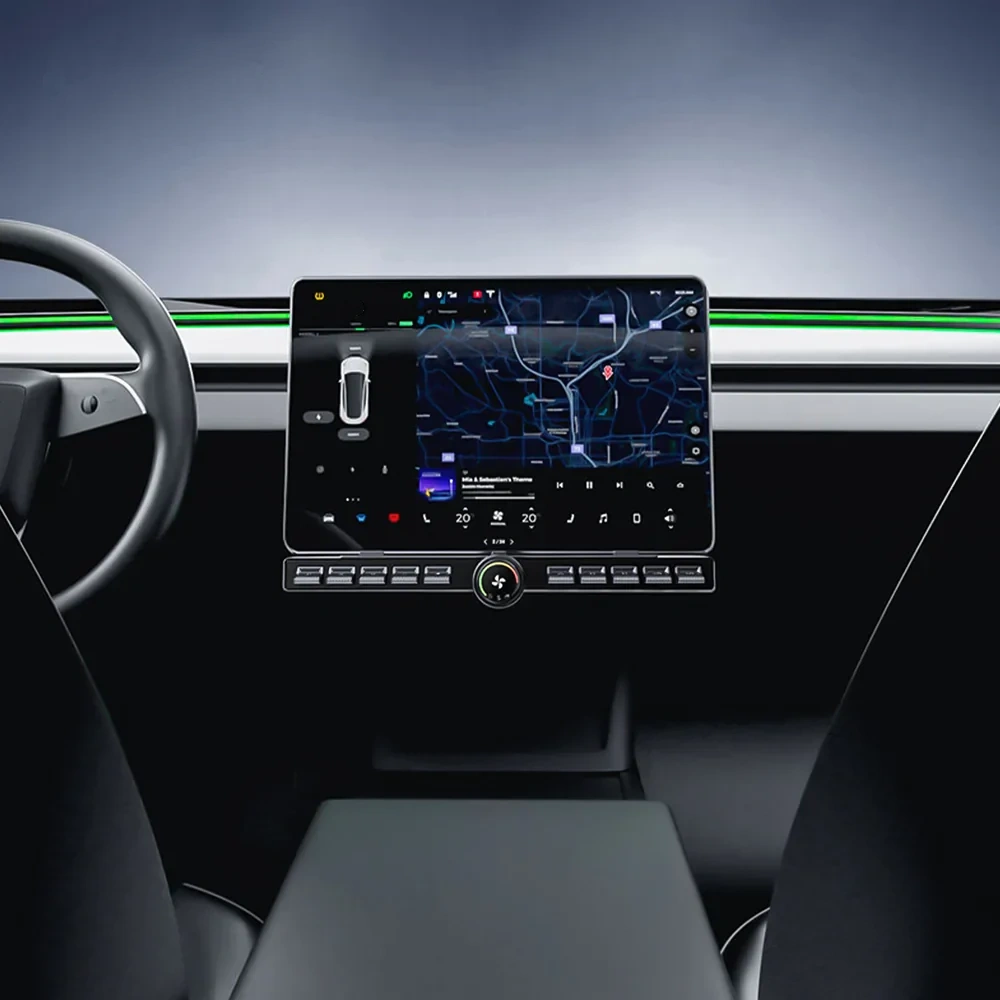
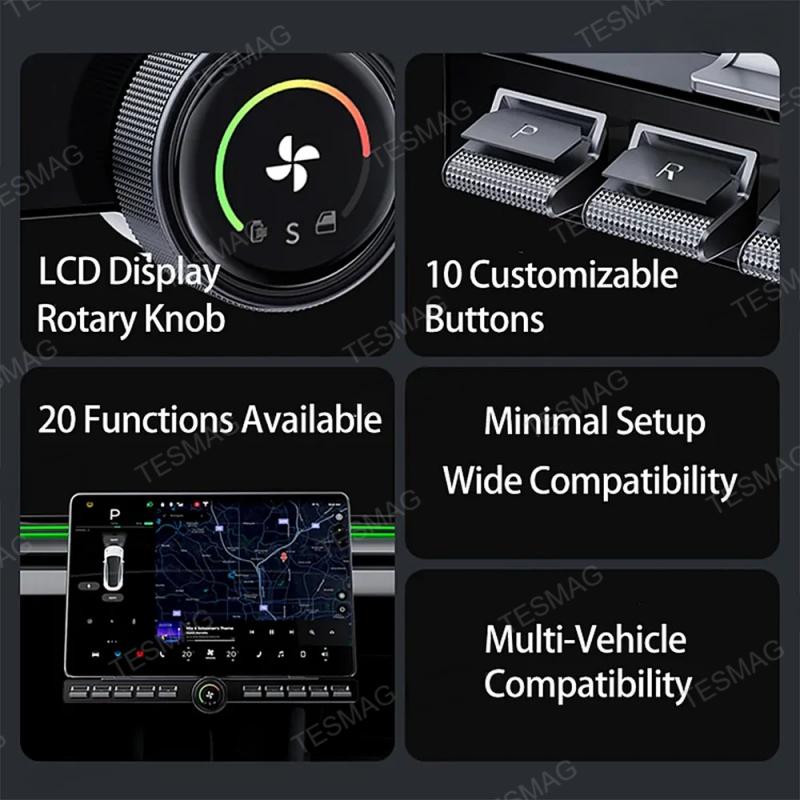
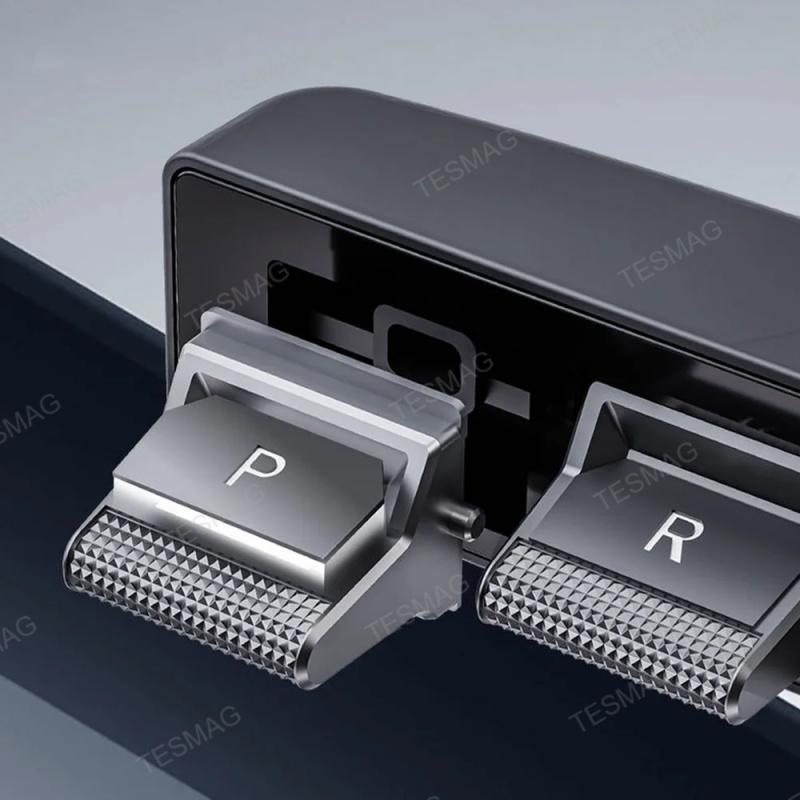
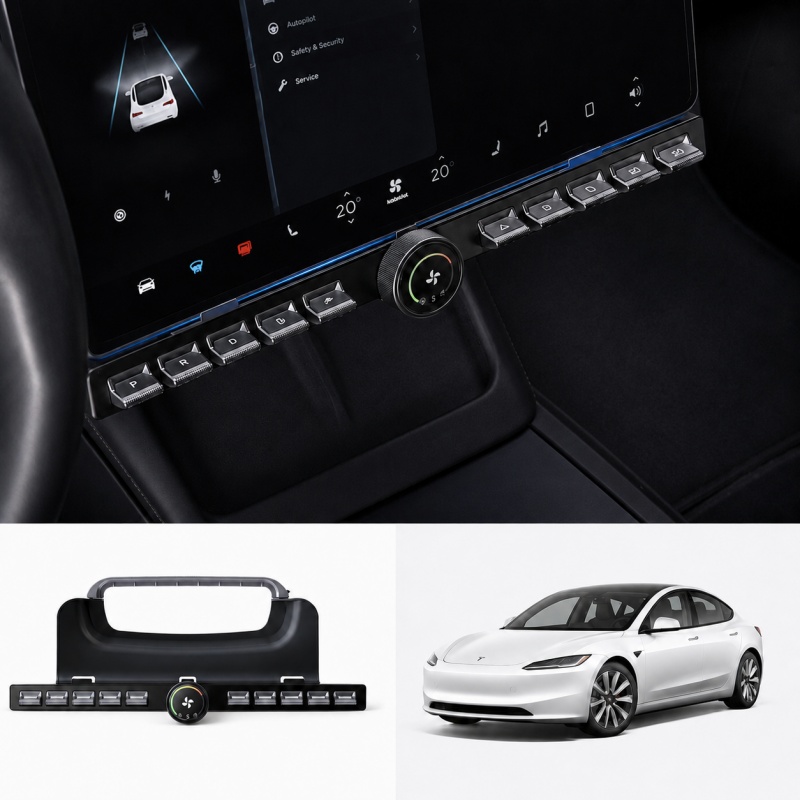
The controller combines a row of physical shortcut buttons, a center rotary climate knob, and a built-in round display into one clean center console control hub. It is designed to help make common driving adjustments faster and more intuitive while keeping the interior look modern and Tesla-friendly.
Whether you are commuting, driving at night, adjusting climate settings, or simply prefer real buttons over repeated touchscreen taps, this controller gives your Tesla a more familiar and convenient control layout without replacing the original touchscreen system.
Bullet Points

Pain Points & Solutions
Pain Points
Solutions
Why Choose This Controller?
More Than a Button Strip
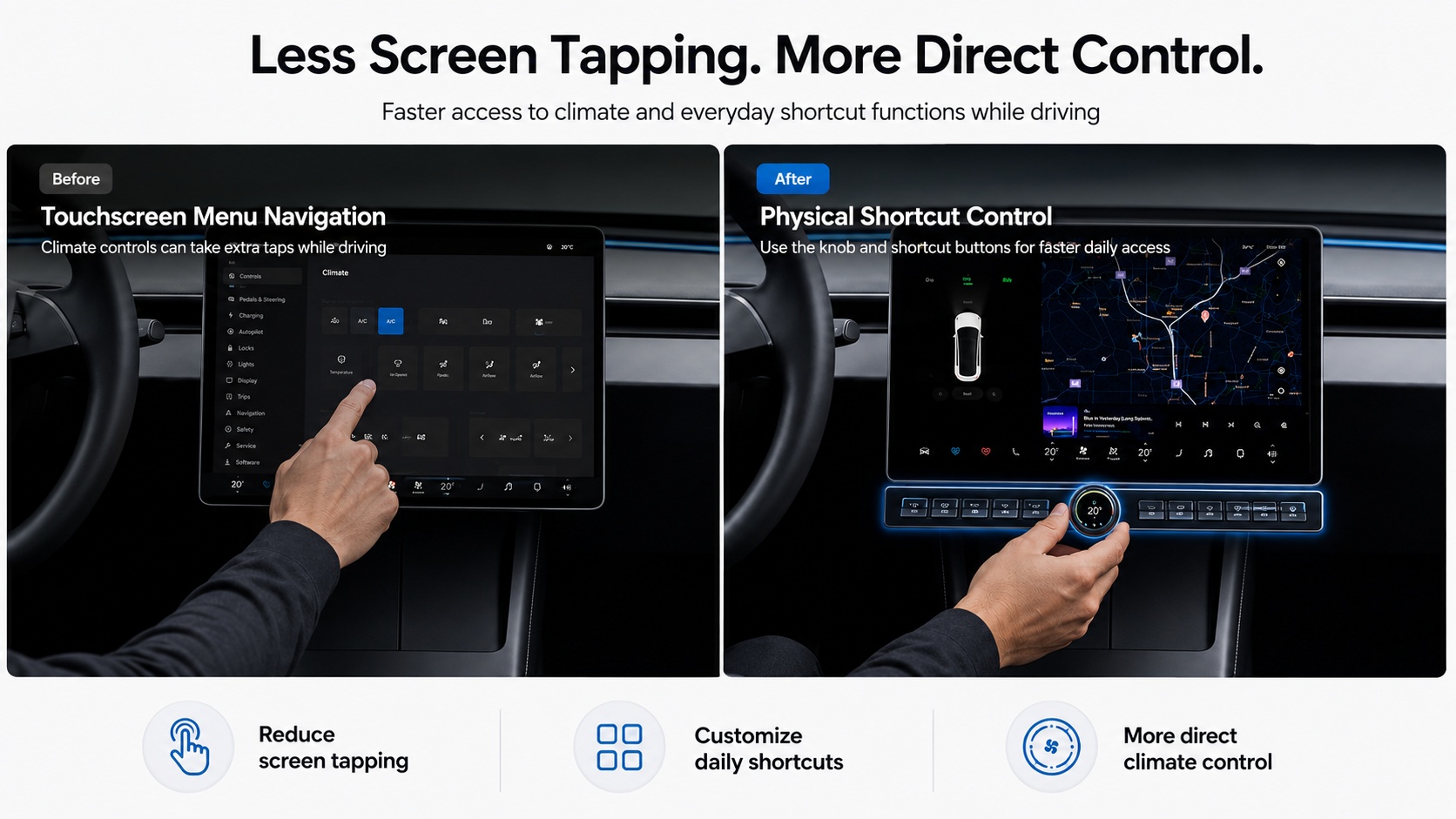
This is not just a decorative accessory. It is designed as a smart physical control hub for Tesla owners who want faster access to the functions they use every day.
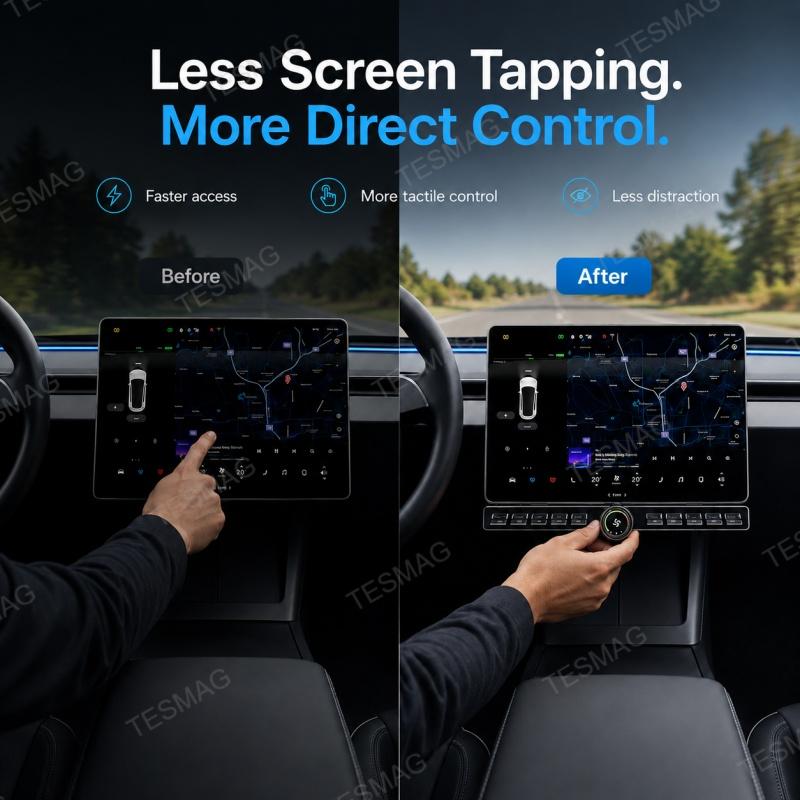
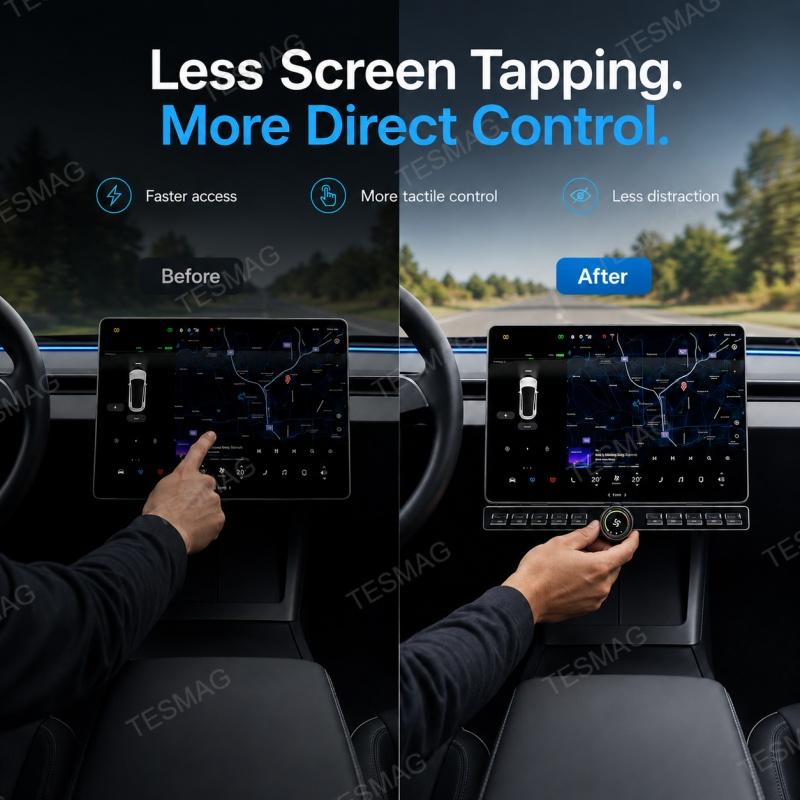
Faster Access to Daily Controls
Keep essential functions within reach instead of searching through touchscreen menus.
Better Tactile Feedback
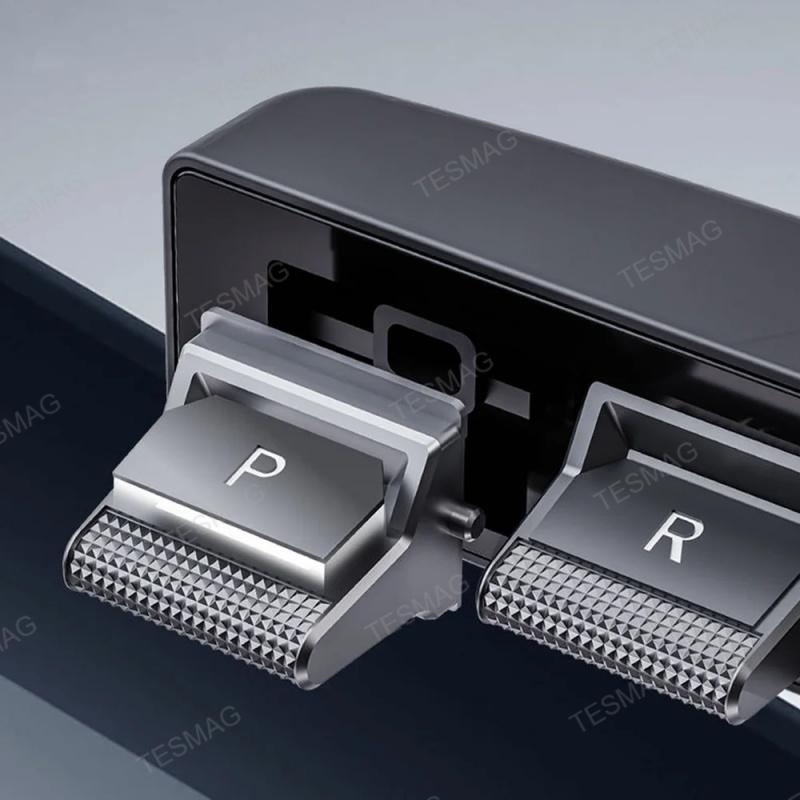
Physical buttons and a rotary knob provide clearer feedback than flat screen controls.
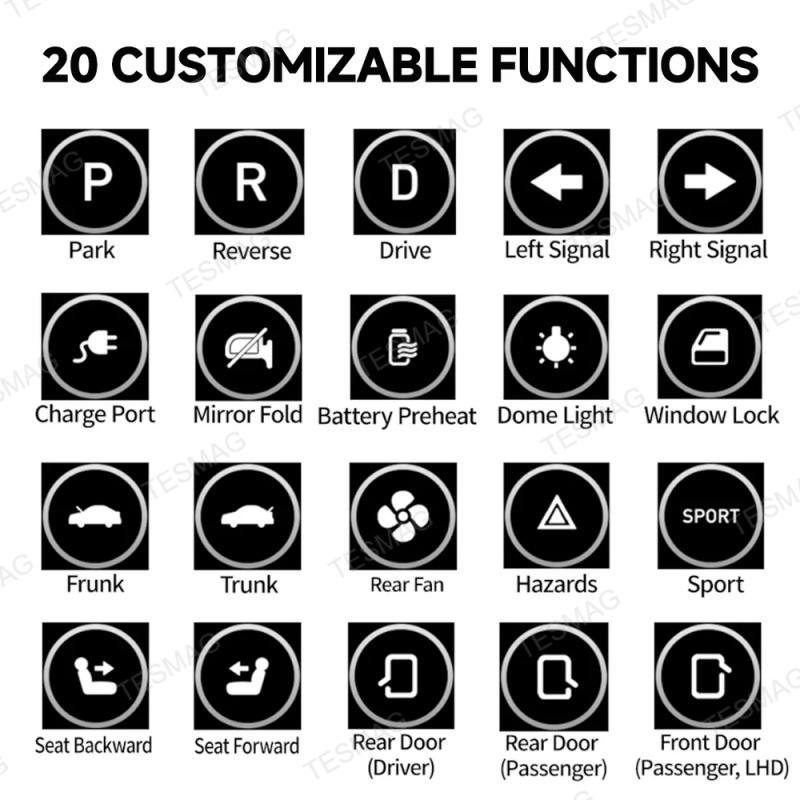
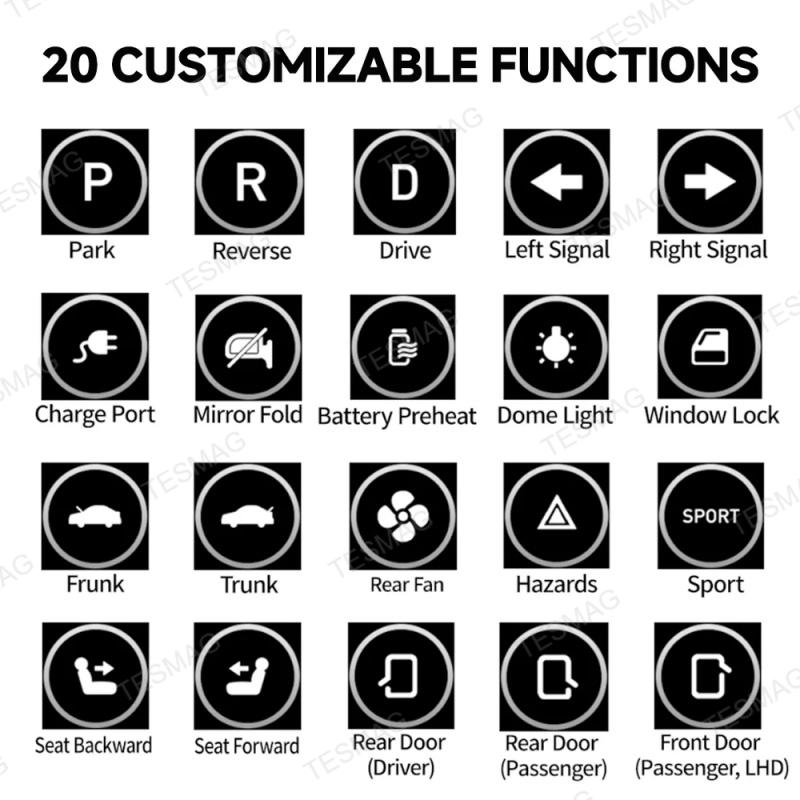
Personalized Shortcut Layout
Set supported shortcuts based on your own driving habits and preferred control style.
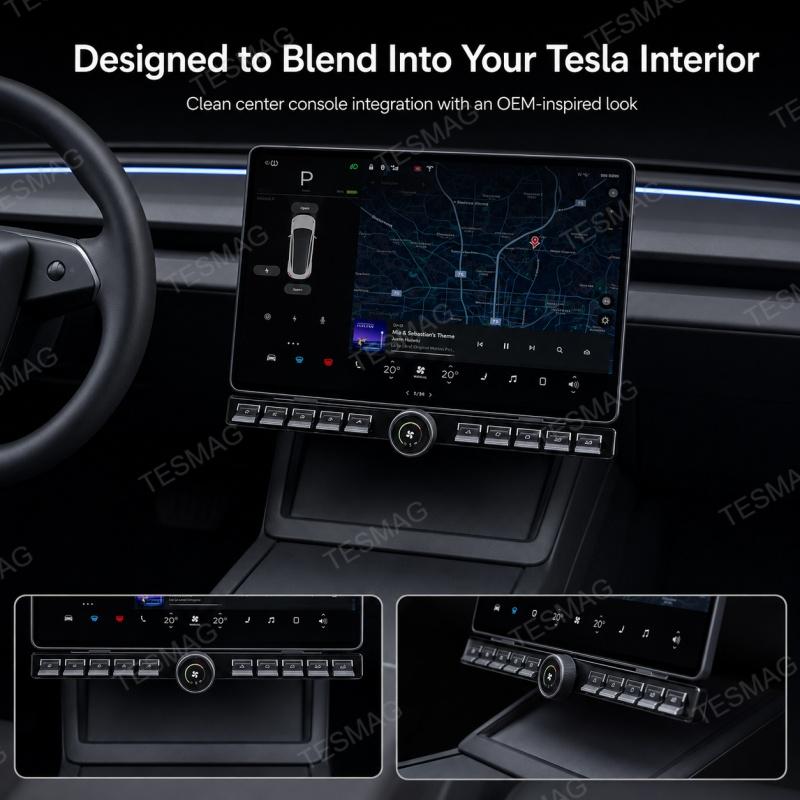
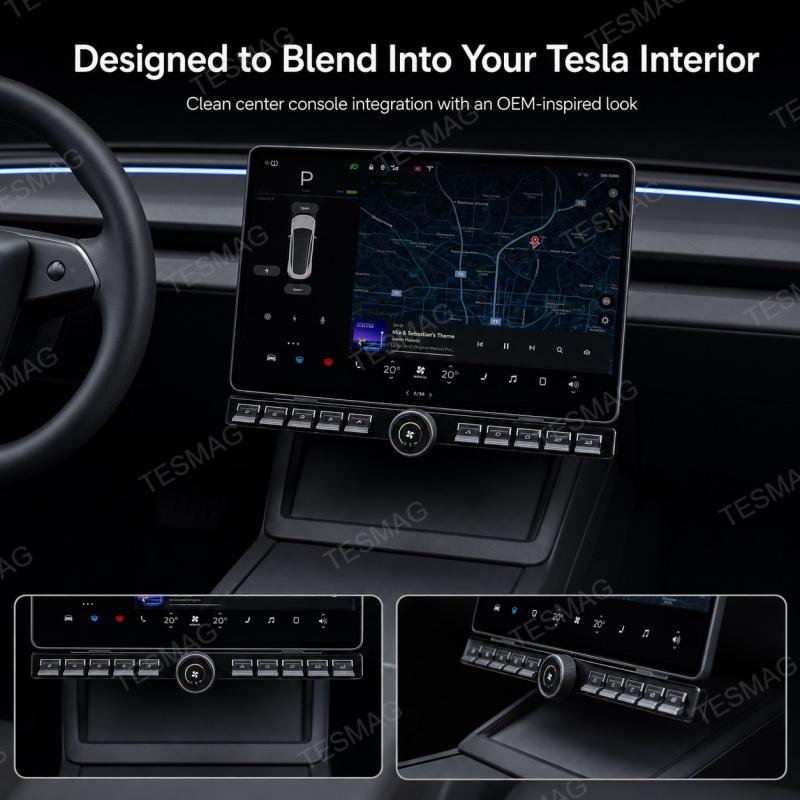
Cleaner OEM-Inspired Appearance
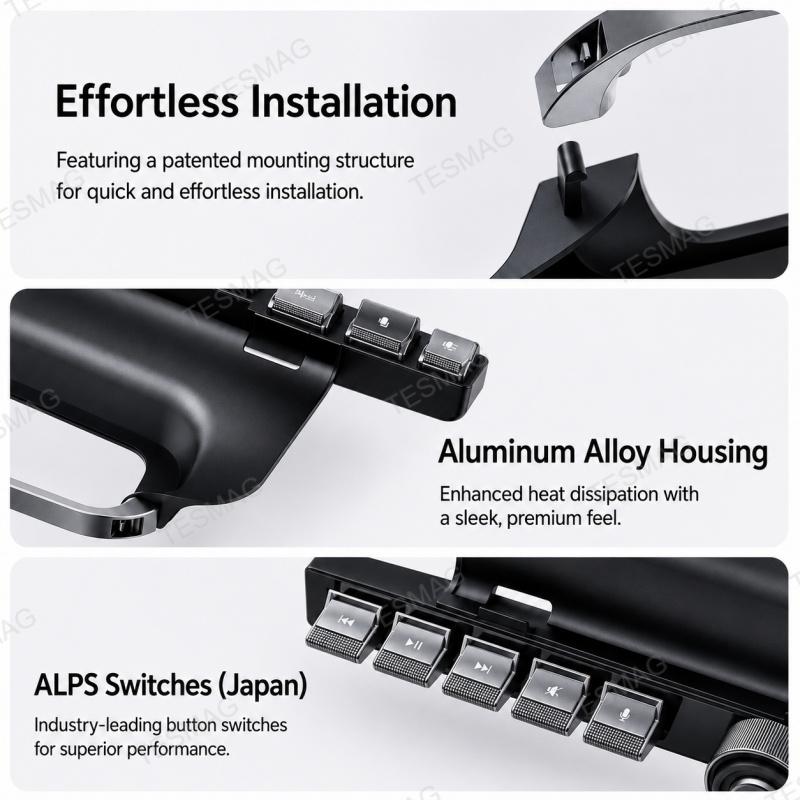
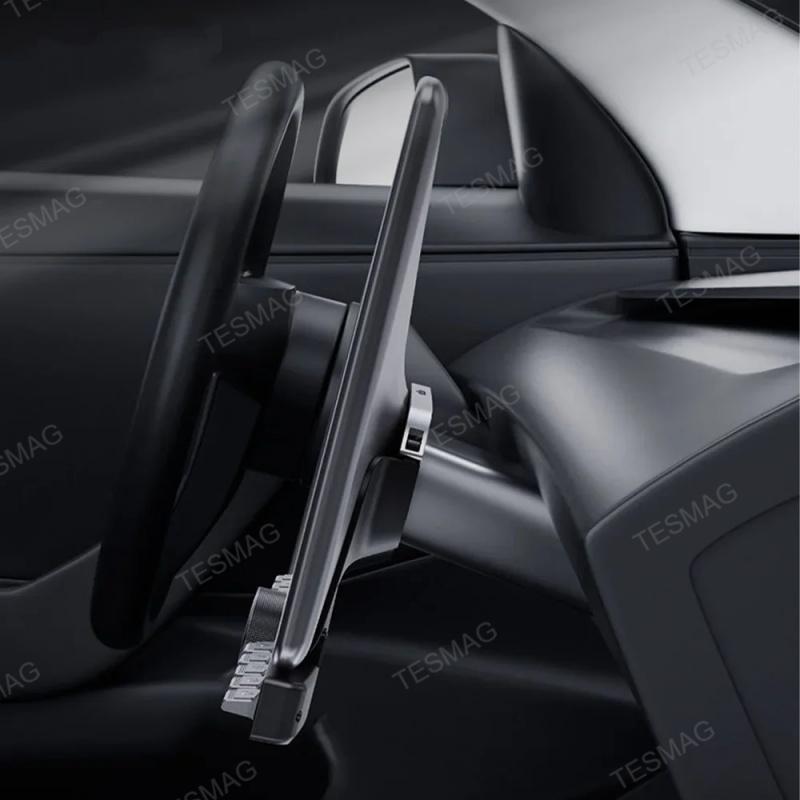
The low-profile center console layout is designed to look integrated instead of added on.
Better Daily Driving Convenience
Ideal for commuting, highway driving, cold weather driving, night driving, and drivers who prefer physical controls.
Fitment Guide
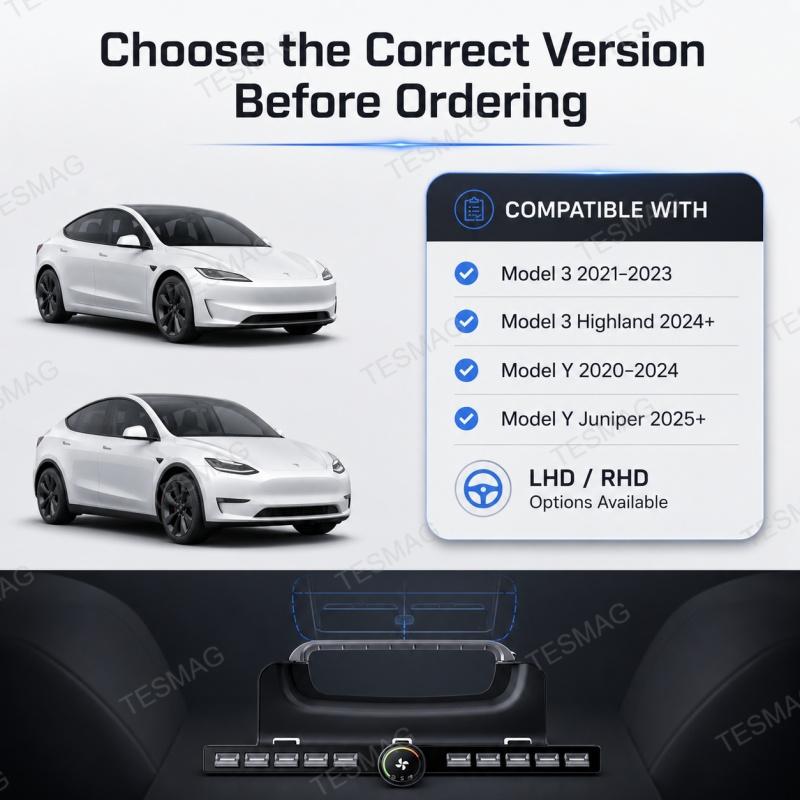
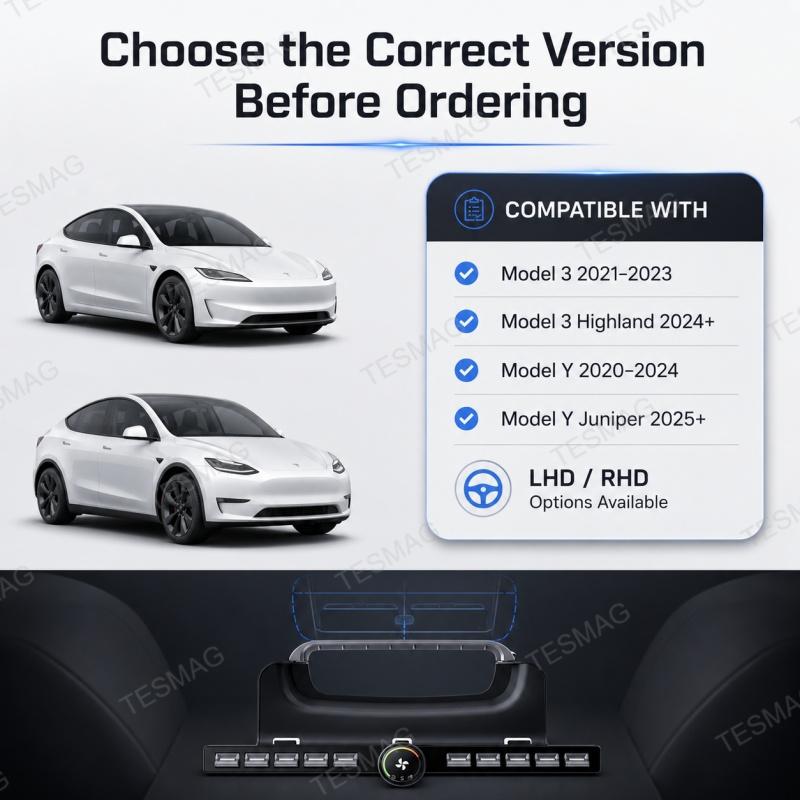
Please Select the Correct Version Before Ordering
This product is designed for selected Tesla Model 3 and Model Y versions. Please choose the correct option based on your vehicle model, production year, center console style, and drive side.
Compatible with:
Drive Side Options
Notes:
1. The icon for the front passenger door function differs between left-hand drive (LHD) and right-hand drive (RHD) vehicles. All other function icons are identical.
2. Press the front passenger seat adjustment button once to start continuous movement. Press the button again to stop.
Installation Manual: Click to download
Nstallation video available by contacting customer service: contact@teslaacessories.com
Please select the correct version based on your vehicle model, production year, center console style, and drive side. If you are unsure, contact us with photos of your center console before ordering.
No. It does not replace the original Tesla touchscreen. It adds physical shortcut control for supported functions while keeping the original screen system in place.
Yes. Supported shortcut buttons can be assigned to available functions through the product setup menu.
The rotary knob is designed for supported climate-related adjustments such as fan speed or temperature, depending on product setup and vehicle configuration.
Yes. Left-Hand Drive and Right-Hand Drive options are available. Please select the correct drive side before ordering.
Professional installation is recommended if you are not familiar with Tesla trim removal, interior electronics, or power/data connection.
No. It is designed as an additional physical control interface for supported functions. The original touchscreen remains the main control system.
Please contact us before ordering and provide your vehicle model, year, drive side, and a clear photo of your center console area.
Shipping time depends on the product.
Free shipping on all orders $129+ worldwide!
For all orders under $129, the shipping fee is $5
| Product Type | Handling Time | Shipping time |
| Fast Shipping Products | 0-1 calendar days | 4-12 calendar days |
| Standard Products | 1-2 calendar days | 6-12 calendar days |
| Customized Products | 3-5 calendar days | 10-16 calendar days |
We will make every effort to deliver your package ASAP. However, additional time may be required due to invalid addresses and custom clearance issues. We have many cooperative express companies, such as DHL, FedEx, UPS, and USPS. We will choose the most suitable mode of transportation for you according to your country.
If the product is a customized product and in production, no refund or return without quality problems. After we receive your return, our quality assurance team will check your return. After the inspection is complete, our customer service representative will process your return refund or assist you in placing a replacement order for a replacement.
Damages and Issues:
If your product arrives damaged, or you receive the wrong product, please email us immediately at contact@teslaacessories.com with clear pictures of the damaged or incorrect product. We will review it in 1 business day and upon approval, we will dispatch a brand new replacement. Your 100% satisfaction is important to us.
Return Qualification Requirements:
1). Orders exceeding 1 month do not accept return or exchange of goods.
2). Orders only accept return or exchange of goods within 30 days.
3). No return or exchange on customized products(eg., Yoke Steering Wheel)
Refund instructions:
You will be responsible for paying the freight of the returned goods, as well as the possible customs duties and other expenses. Freight is nonrefundable. If you receive a refund, the return freight will be deducted from your refund.
For an item to be eligible for a return, it must remain in the condition it was received: unused, unworn, tagged, and in its original packaging.
Prior to initiating a return, please reach out to us at contact@teslaacessories.com. You can expect a response from us within 1 business day. Once your return is accepted, we will share detailed instructions for your return process. Please provide us with the tracking number and your order number once the return shipment has been arranged.
Upon receiving and verifying that the returned product adheres to our return conditions, we will commence your refund process within 1 business day using your original payment method. Be advised that all refunds may take up to 2 business days to process once we receive the returned item.Returns sent without prior approval will not be accepted.
Return Fee
Customers are not required to pay for return shipping if a product is returned because it is "broken, missing, or wrong." If the product is returned due to "bought wrong, I don't want it anymore", the customer shall bear the return shipping cost, and the actual shipping cost will be deducted from the refund. In either case, there is no restocking fee for returns.
Non-Returnable Items:
Certain items, such as custom products (special orders or personalized items) and gift cards, cannot be returned. If you have concerns about your specific item, please contact us.
It is essential to ensure accuracy when filling out the return address. Please be aware that we cannot be held responsible for any returns that are lost or misdirected due to incorrect address information.
If due to our reasons, the goods received are damaged or not correct, the consumer is not required to bear the shipping fee for this reason.
Should you have any queries regarding returns and refunds, please don't hesitate to reach out to us at contact@teslaacessories.com.
Memuat
