
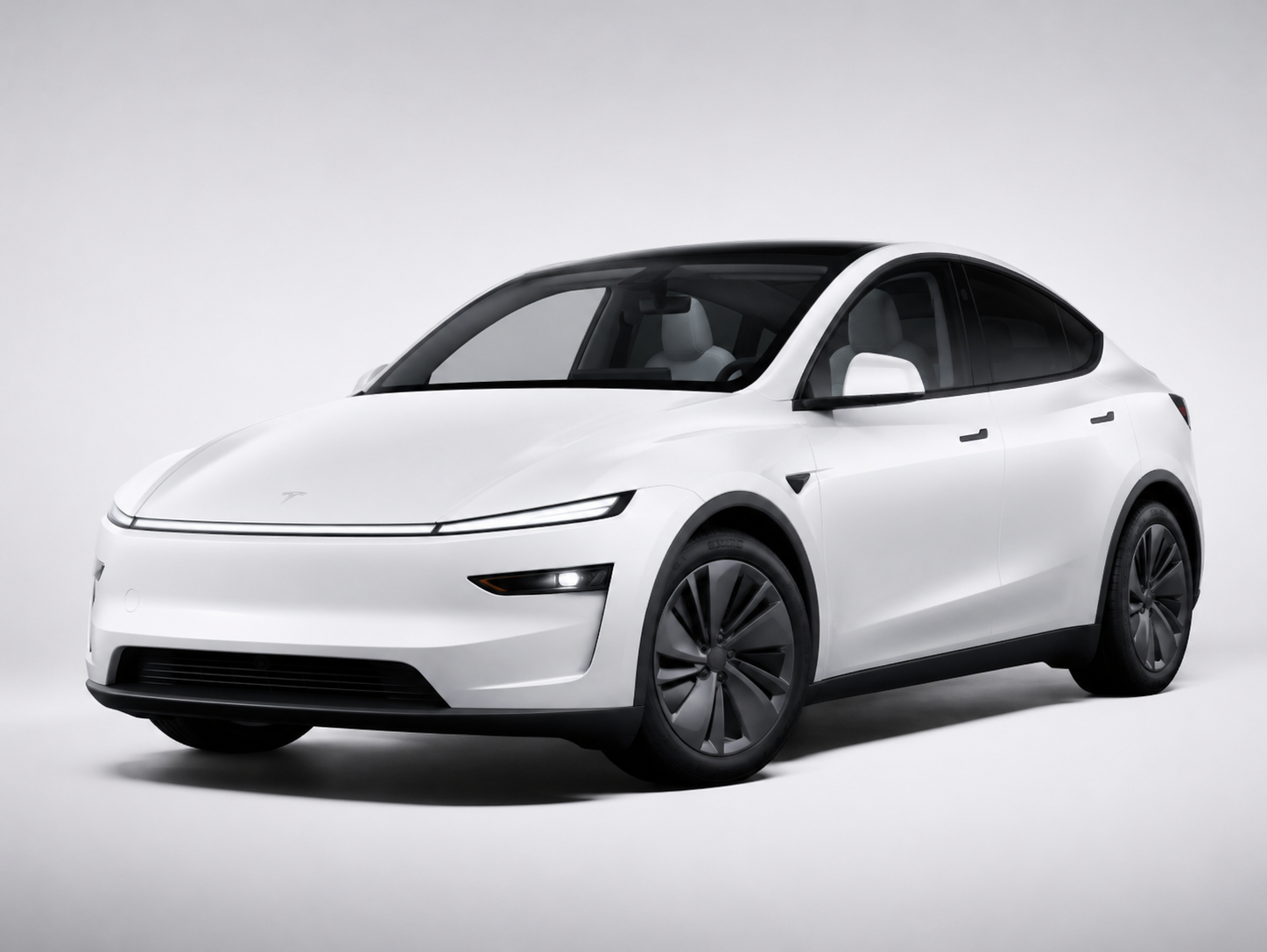
The best Tesla screen upgrade depends on your model, year, generation, CPU type, dashboard layout, connector, and where the screen installs. Do not buy a Tesla dashboard display only by screen size or “Model 3/Y” wording.
Why Tesla Screen Fitment Is More Complicated Than Most Accessories
Tesla screen upgrades are not simple decorative accessories. Many dashboard displays, rear entertainment screens, CarPlay screens, HUD displays, and screen relocation kits connect to the vehicle’s wiring or install around tight dashboard trim.
That means fitment can change based on:
- vehicle model
- model year
- generation or refresh
- AMD vs Intel system
- left-hand-drive vs right-hand-drive
- dashboard shape
- center screen position
- rear console layout
- connector type
- camera or blind spot function
- installation position
A listing that only says “fits Model 3/Y” is not enough for screen products. For example, your site’s 6.2-inch LCD Dashboard Screen separates fitment as Model 3 (2019–2023.10) & Model Y (2019–2024) and also includes CPU and forward blind spot camera options, which proves this category needs configuration-level checking, not just model-name matching.
Start from the category first:
Screens & Dashboards
Main Types of Tesla Screen Upgrades
Tesla screen products should be grouped by install location and function, not just by display size.
Dashboard driver displays
Dashboard driver displays sit in front of the driver or near the dashboard line. They usually show speed, gear, turn signals, battery status, tire pressure, range, doors, lights, and other driving information.
These products are high-fitment-risk because they may depend on:
- dashboard trim shape
- steering wheel clearance
- wire routing path
- CPU compatibility
- screen bracket design
- whether the car is left-hand-drive
Your site’s Dashboard category includes multiple driver display products, including Model 3 Highland / Y Juniper 8.8-Inch Touch Dashboard Screen, HUD Magnetic Dashboard Display for Tesla Model 3 Highland / Model Y Juniper, and F62 Tesla Model 3 Highland 6.2-inch Linux System Dashboard Screen. These should not be mixed with older Model 3/Y dashboard displays unless the product page clearly confirms shared fitment.
Rear entertainment and climate control screens
Rear screens install behind the center console or in the rear passenger area. They are usually used for rear climate control, entertainment, seat heating controls, or passenger convenience.
Fitment risk comes from:
- rear console shape
- wiring access
- screen bracket position
- model year
- seat-row layout
- center console version
A rear screen listed for Model 3/Y should still be checked by year and generation. Do not assume a rear screen for 2020–2024 Model Y automatically fits 2025+ Model Y Juniper.
CarPlay and Android Auto screens
Many Tesla owners want CarPlay or Android Auto because the original Tesla center screen does not work like a traditional CarPlay head unit. Aftermarket CarPlay screens can add navigation, music, calls, and app-style display features.
Fitment risk depends on:
- installation location
- screen size
- interface box
- wiring harness
- CPU version
- whether it works as a standalone display or connects to vehicle signals
For this category, the product page should clearly state supported model years and installation requirements. If the product uses a vague “Model 3/Y/S/X” claim, verify before listing it as broadly compatible.
Swivel screen mounts and center screen accessories
Swivel screen mounts and center screen accessories do not always replace the screen, but they physically alter how the center display sits or moves.
These are shape-sensitive products. They may depend on:
- center screen bracket structure
- dashboard trim clearance
- center screen size
- screw/mounting location
- model generation
This is not a category where “close enough” is acceptable. Poor fit can cause unstable screen movement, rattling, poor alignment, or installation complaints.
Model 3 vs Model 3 Highland Screen Compatibility
A screen upgrade for the 2017–2023 Model 3 should not automatically be marketed for the 2024+ Model 3 Highland.
The 2024+ Model 3 Highland uses a refreshed interior layout, and dashboard-area products are especially sensitive to generation changes. Screen upgrades may need different brackets, trim fit, cable routing, or software compatibility.
For Highland, use product wording that clearly names Highland, such as:
Fits Tesla Model 3 Highland 2024+
Avoid broad wording like:
Fits Tesla Model 3 2017–2024
That wording is unsafe for dashboard screens unless the supplier provides proof that the same unit fits both pre-Highland and Highland.
Your Dashboard category already separates some Highland-specific products, including Model 3 Highland / Y Juniper 8.8-Inch Touch Dashboard Screen, Smart Gear Shift Control Stalks with HUD Upgrade Kit for Tesla Model 3 Highland / Model Y Juniper, and F62 Tesla Model 3 Highland 6.2-inch Linux System Dashboard Screen. Keep those listings separate from older Model 3/Y screen products.
Recommended internal link:
Model 3 Highland Accessories
Model Y vs Model Y Juniper Screen Compatibility
The same rule applies to Model Y. A screen product for 2020–2024 Model Y should not automatically be extended to the 2025+ Model Y Juniper.
Juniper has a refreshed interior and dashboard-related products may be affected by mounting surface, connector routing, rear console design, and trim structure. If the screen product installs around the dash, console, rear screen area, or wiring harness, Juniper fitment must be verified separately.
For Juniper, safer wording is:
Fits Tesla Model Y Juniper 2025+
Avoid:
Fits Model Y 2020–2025
That wording creates return risk because it merges previous-generation Model Y and Juniper into one claim.
Your site already has Juniper-specific screen and dashboard products in the Dashboard category, including Model 3 Highland / Y Juniper 8.8-Inch Touch Dashboard Screen, HUD Magnetic Dashboard Display for Tesla Model 3 Highland / Model Y Juniper, and 2025+ Tesla Model Y Juniper 8.2” Live Streaming Rear View Mirror. Those should be positioned as Juniper-aware products, not generic Model Y upgrades.
Recommended internal link:
2025+ Model Y Juniper Accessories
What to Check Before Buying a Tesla Screen Upgrade
Screen size and install position
Screen size alone does not determine fitment. A 6.2-inch, 8.8-inch, 9-inch, or 10.88-inch screen can still require different brackets, wiring, or dashboard clearance.
Check whether the product installs:
- in front of the driver
- behind the center screen
- under the center screen
- at the rear console
- on the rear view mirror
- as a center display mount
- as a hidden interface box
If the install position changes, fitment risk changes.
CPU type: AMD vs Intel
Some Tesla screen upgrades depend on CPU type. Do not ignore this.
Your 6.2-inch LCD Dashboard Screen product page includes a CPU option and lists AMD in the product configuration area. That is exactly the kind of detail screen buyers need to verify before ordering.
Safer product-page wording:
Please verify your vehicle CPU type before ordering.
Unsafe wording:
Fits all Model 3/Y vehicles.
Connector and wiring harness
Any screen that reads vehicle information or syncs data needs the correct connector and wiring route. A wrong connector can cause a black screen, no signal, missing speed data, malfunctioning camera view, or installation failure.
For screen products, always verify:
- connector shape
- harness included
- plug-in location
- whether the product reads vehicle data
- whether extra camera input is required
- whether original vehicle functions remain unaffected
If the supplier only gives a screen size and model name, that is not enough.
Left-hand-drive vs right-hand-drive
Dashboard displays may be left-hand-drive or right-hand-drive specific. If a product sits in front of the driver, the viewing angle, bracket, trim, and cable path may differ.
Your Dashboard collection includes a 9.6-Inch Driver Display w/ Wireless CarPlay for Tesla Model 3/Y 2021–2026 (LHD Only). That “LHD Only” wording is important and should not be removed from listing titles or product pages.
Camera and blind spot support
Some screen upgrades include blind spot display, forward camera support, rear camera view, or camera switching. These functions may require different wiring or vehicle configuration.
Your 6.2-inch LCD Dashboard Screen product page includes a Forward Blind Spot Camera option. That means the customer must choose correctly; otherwise they may receive a screen configuration that does not match their intended function.
Which Tesla Owners Should Choose Each Screen Type
Choose a small dashboard display if you mainly want speed and driving data
A small dashboard display is best for drivers who want speed, gear, turn signals, battery data, range, and basic vehicle information closer to their line of sight.
Best for:
- daily commuters
- drivers who want a traditional instrument-style display
- owners who do not want a large screen
- owners who want a cleaner OEM-style look
Choose a CarPlay screen if you want phone-based navigation and apps
A CarPlay or Android Auto screen makes more sense if the buyer mainly wants navigation, music, calls, and familiar phone-based app control.
Best for:
- drivers who prefer Apple CarPlay or Android Auto
- owners who use third-party navigation apps
- long-distance drivers
- buyers who want a larger secondary interface
Choose a rear entertainment screen for rear passengers
Rear screens are more useful for family use or ride comfort. They are not the first upgrade for every Tesla owner, but they make sense if passengers often sit in the back.
Best for:
- families
- rear-seat passengers
- road trips
- climate-control convenience
Choose a HUD-style display if you want minimal dashboard disruption
A HUD-style or compact magnetic dashboard display can be a cleaner choice for drivers who want key data without installing a large screen.
Your site’s HUD Magnetic Dashboard Display for Tesla Model 3 Highland / Model Y Juniper is positioned around a compact OLED-style display concept, and the product page lets buyers choose between Model 3 Highland 2024+ and Model Y Juniper 2025.3+, which is a better fitment structure than a generic “Model 3/Y” claim.
Common Screen Upgrade Buying Mistakes
The biggest mistake is choosing by screen size instead of vehicle fitment.
Other common mistakes:
- buying a 2017–2023 Model 3 display for a 2024+ Model 3 Highland
- buying a 2020–2024 Model Y display for a 2025+ Model Y Juniper
- ignoring AMD vs Intel CPU compatibility
- ignoring left-hand-drive vs right-hand-drive
- choosing the wrong camera or blind spot option
- assuming all Model 3/Y screens use the same connector
- ignoring rear console differences for rear screens
- listing a screen as “fits all Tesla Model 3/Y” without evidence
- using product photos from one generation to sell another generation
For screen products, the safest rule is: if the product connects to the car or mounts into the dashboard, it needs generation-specific proof.
FAQ
What is the best Tesla screen upgrade?
The best screen upgrade depends on what you want to solve. Choose a dashboard driver display for speed and vehicle data, a CarPlay screen for phone-based apps, a rear screen for passengers, and a HUD-style display for a cleaner dashboard setup.
Do Model 3 screen upgrades fit Model 3 Highland?
Not automatically. A 2024+ Model 3 Highland should use screen products that clearly state Highland compatibility. Dashboard shape, brackets, wiring, and trim layout may differ from 2017–2023 Model 3.
Do 2020–2024 Model Y screen upgrades fit Model Y Juniper?
Do not assume they fit. For 2025+ Model Y Juniper, verify Juniper-specific fitment, especially for dashboard displays, rear screens, CarPlay screens, and any product that uses a connector.
Does Tesla screen fitment depend on AMD or Intel CPU?
Yes, some screen upgrades may depend on CPU type. If the product page asks for AMD or Intel, verify your vehicle configuration before ordering.
Are rear entertainment screens universal for Model 3 and Model Y?
No. Rear screens may depend on rear console layout, wiring access, model year, and generation. Always check the product page before ordering.
Can a screen upgrade affect Tesla functions?
A properly designed plug-and-play screen should not damage original vehicle functions, but compatibility still matters. Wrong connectors, wrong wiring, or incorrect vehicle configuration can lead to no signal, black screen, missing data, or installation problems.
Final Fitment Advice
Do not buy Tesla screen upgrades by screen size alone. Start with your Tesla model and generation, then verify CPU type, connector, install position, left-hand-drive/right-hand-drive fitment, and camera options.
Browse by the right category and model first: